One person. The power of
30 world-class designers
The professional design tool you
and your agents drive together.The professional design tool your agents already know how to drive.
Point Claude Code, Cursor, or any MCP agent at a real canvas:
real vectors, fully editable by hand.
The most powerful canvas in the world
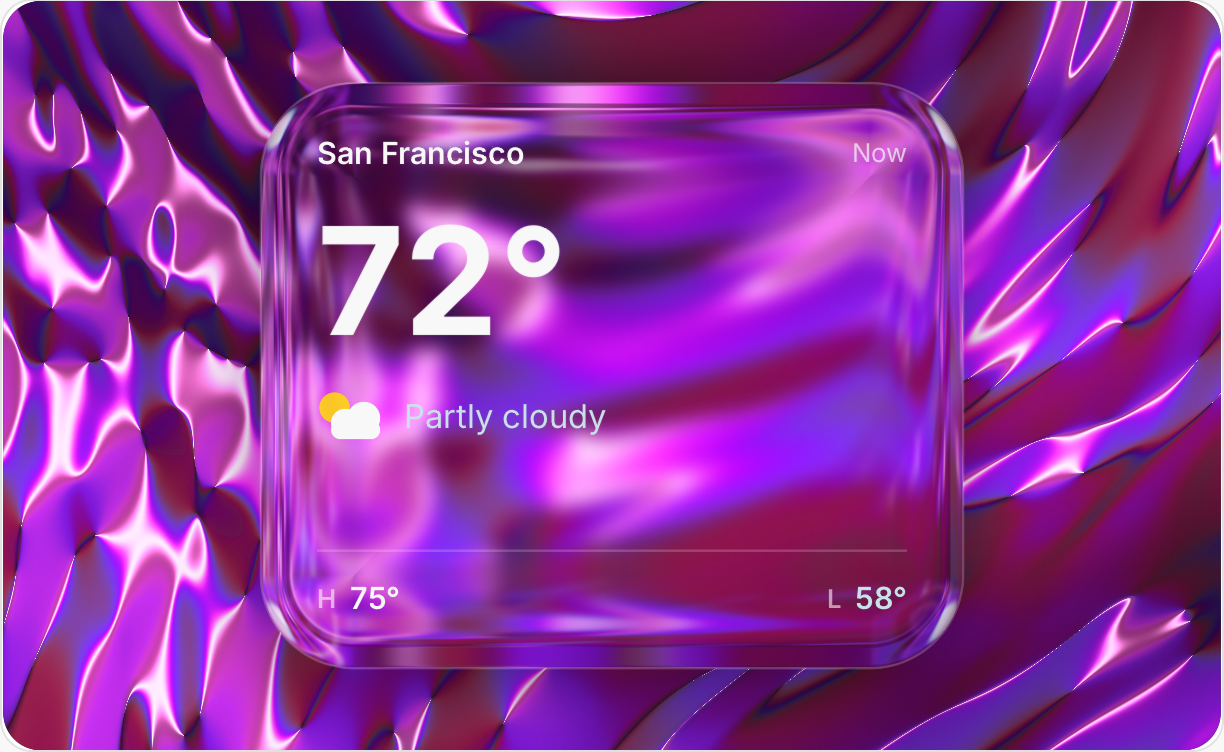
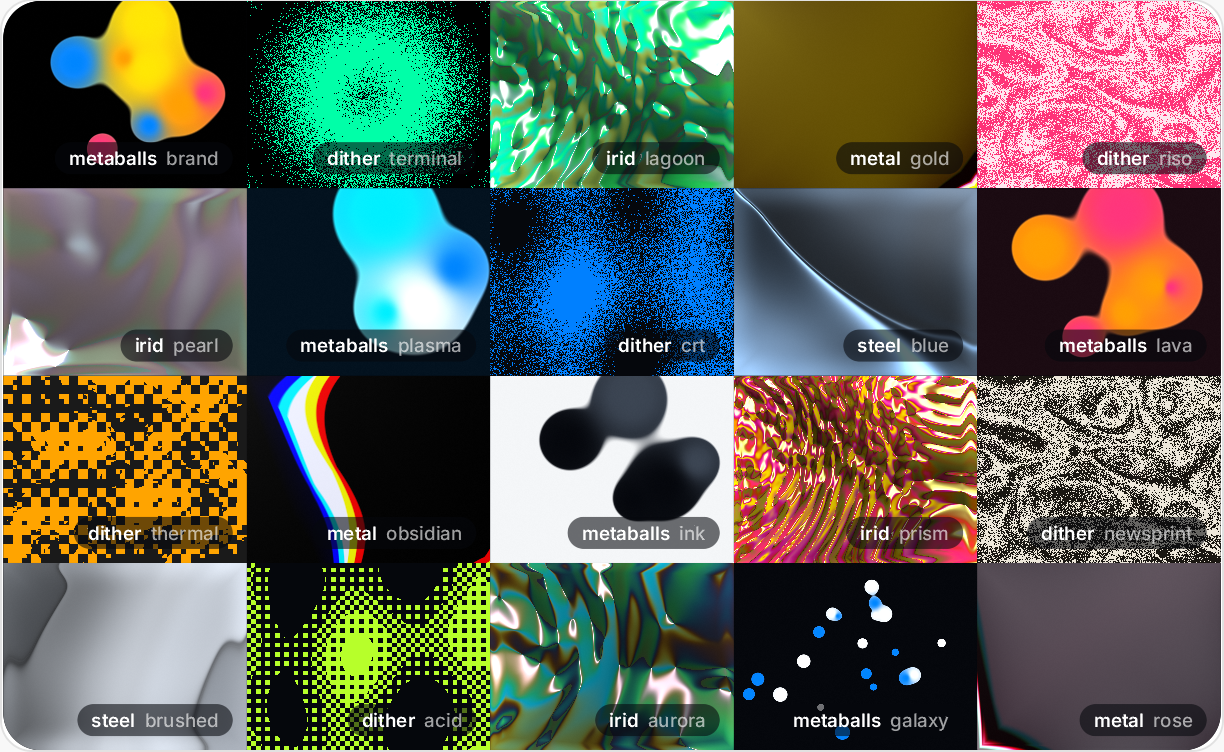
Liquid glass with real refraction, iridescent metal, animated shader fills. This strip is the real GPU engine rendering live in your browser, and every material here is a fill you can drop on any element in your design.
Your agent is already a designer here
Brilliant is both an MCP server and client: drive it from Claude Code, Cursor, or any agent you already run, and connect any MCP server to Brilliant’s own harness. Most AI edits in Brilliant already come from users’ own CLI agents.
Real vectors on a real canvas
Describe what you want, refine it in place, and take it anywhere. Real, editable vectors at every step. No mockups, not HTML with some toggles.
OH MY GOD! I’m now doing things in minutes that it would take days to do in Figma.

Professional design system support
Multi-mode tokens (light, dark, density, contrast), OKLCH color ramps, and a readable plain-text DSL. Agents resolve every edit against your tokens, so the thousandth screen is as on-brand as the first.
Round-trip with Figma in one click
Send a design to Brilliant, edit with agents, send it back to Figma. Layers, components, and styles intact. Your team never has to leave the tool they’re in.
The best AI chat you’ve ever seen
Mention elements with @, point at exact positions, eyedrop colors, and switch provider, model, or design system without leaving the chat. Paste images, attach files. Claude Code, OpenAI’s Codex, Claude, Gemini, OpenRouter, or your own endpoint: your keys, your spend, zero markup.
Every design is plain text
Every design is Blueprint: a published, lossless language for 2D vector design, ~20x more token-efficient than JSON. Git-blame a hero color, review a redesign in a PR, point any agent at your designs the way you point it at code. Brilliant’s engine validates composition, tokens, readability, and spacing before an edit ever reaches the canvas.
Everyone building “AI design” made the same bet: the canvas is HTML and CSS. It demos beautifully, and it caps them forever.
We bet higher. The design is not the code, and not a picture of the code. It is the contract above the code.