Brilliant for product designers
You already know how to do the work. What you don't have is a way to hand off the mechanical half of it without leaving the file. Brilliant is a full professional design tool with AI agents built into the canvas: chat sessions run in parallel, the first ten answer to Cmd+1 through Cmd+9 and Cmd+0, and each one carries its own model, history, and undo stack.
Everything an agent makes is a real vector. Nudge it, recolor it, or throw it away, exactly like something you drew.
The primitives are the ones you have
Auto layout, components and instances, vector editing, the pen tool, boolean operations, design tokens, typography controls, frames, groups. Sit down and design by hand and you get near-complete feature parity with Figma, on macOS and Windows.
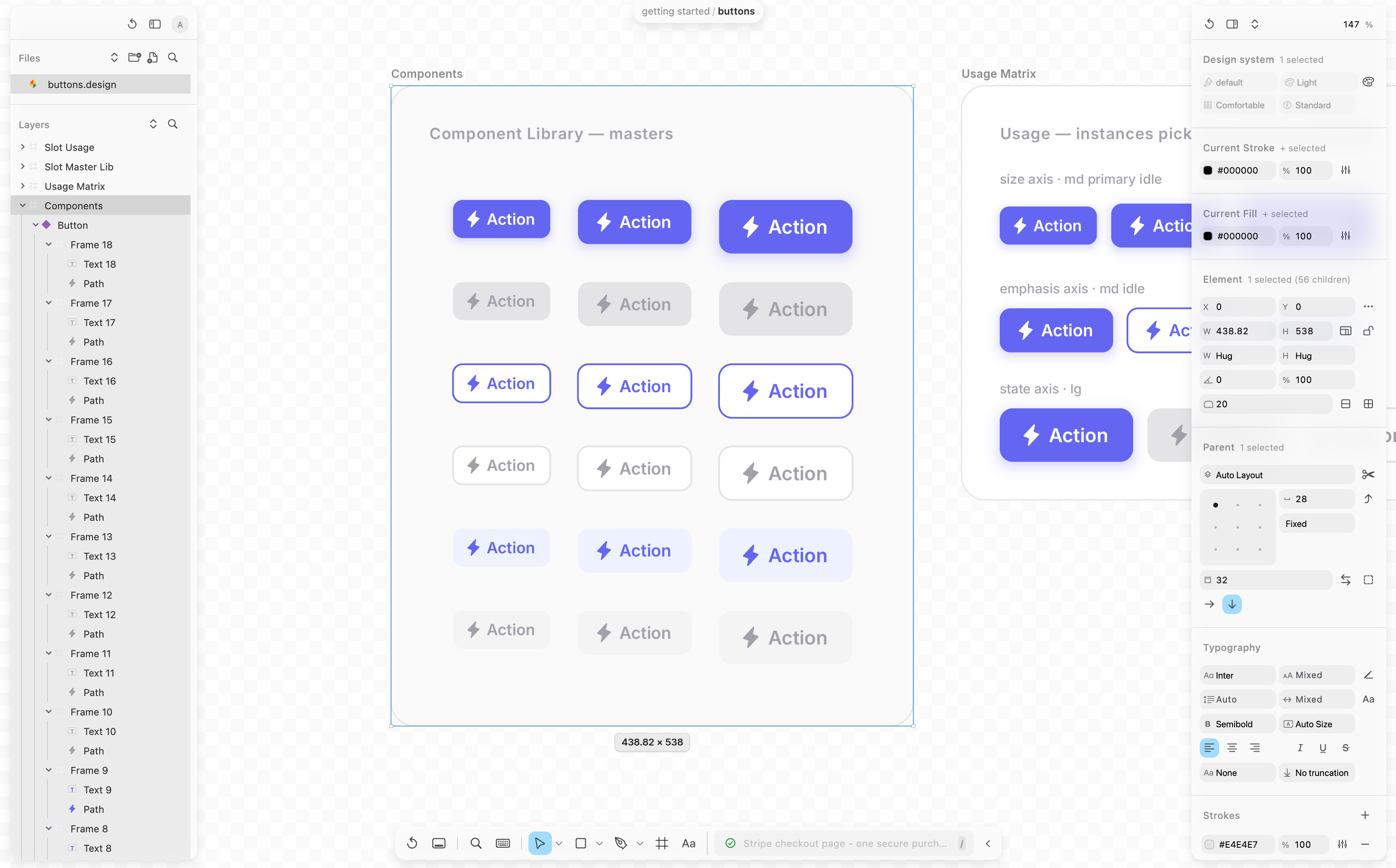
One habit does change. When your selection spans more than one frame, Brilliant draws a separate rectangle per frame, each with its own handles, and every operation runs once per frame in that frame's own space. Align Left lines up Frame A's children among themselves and Frame B's among themselves, never across the boundary. It's deliberate, and it makes multi-frame edits behave sanely.
Flip the toggle below between the per-parent model and the flat one you're used to, on the same selection across two frames. The blue outlines are drawn to stand in for the real selection chrome.
A few things you'd normally reach for a plugin to get are native. Brilliant ships a real GPU shader stack as first-class canvas fills (metaballs(), metal(), irid(), steel()) that render live while you design, compose with the rest of your effects, and export cleanly to raster or video.
Agents that work in the file, not next to it
Press / anywhere on the canvas to focus the AI input, then describe the outcome. The agent streams elements on as it builds, so you watch the layout come together instead of waiting for a result.
It reads your selection, so you can click a button and say "make this a warmer orange" without naming anything. It runs Brilliant's own commands, over a hundred of them, through the exact path a keyboard shortcut takes. And it works in your design system: ask for tokens and it paints with color.surface and sizes gaps with spacing roles instead of hard-coded values.
The composer is built for pointing at things rather than describing them. @ mentions attach an element by name, with its structure and a render. Paste a screenshot, drag a file in, or use the paperclip. # opens a dropdown of style modifiers (dark, mobile, minimal). Step back through past prompts with the arrow keys, or reverse-search them with Ctrl+R.
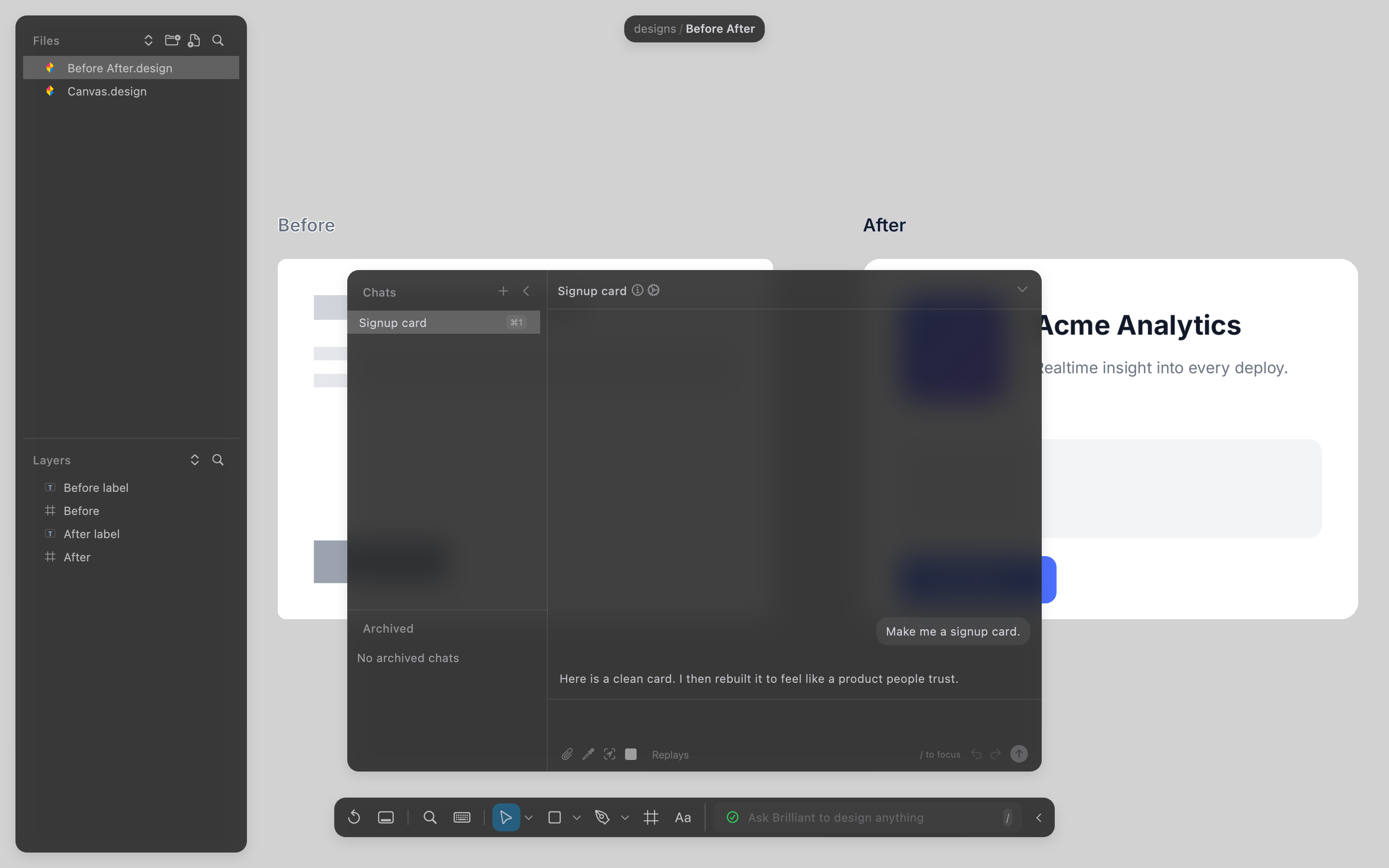
The chat is bring-your-own-key. Requests go from the app straight to Anthropic, OpenAI, Google, or OpenRouter, or through a Claude Code subscription you already have. Nothing routes through Brilliant's servers.
If you'd rather not leave your editor, the same canvas is reachable from Claude Code, Cursor, Codex, Windsurf, Antigravity, or anything else that speaks MCP. Same canvas, same undo stack, and plenty of people keep both.
Run several directions at once
Start a new session with Cmd+N while the chat is focused and prompt an alternate take there. Old sessions stay live, so you can jump between parallel experiments and keep the one that works.
Each chat also keeps its own undo stack, separate from the canvas's main history. You can keep editing by hand while an agent runs, and roll back a specific turn with the Revert control on its card without touching your own edits.
Your files are files
A workspace is a folder on disk. Each canvas is a plain-text Blueprint .bl file, images live in Assets/ beside them, and there's no save button because Brilliant autosaves continuously. Because the files are plain text, they drop straight into Git: branch a canvas to try a direction, review it in a pull request, git blame the commit where the hero color drifted off-brand.
Undo is per canvas and follows you around: Cmd+Z undoes the active canvas's last action, and switching canvases never clears it. The file explorer keeps its own separate undo stack for create, rename, delete, move, and reorder, so a mis-drag in the tree is one keystroke away from being fixed.
What isn't here
Brilliant is a static canvas today, with prototyping on the roadmap. There's no prototype mode yet: no frame-to-frame transitions, no clickable hotspots, no smart animate. If a click-through prototype is the thing you can't ship without this week, that one step stays in your current tool; the rest of the work, the editor, the tokens, the agents, is here.
Next
Map your Figma habits over: Coming from Figma.
See the full range of the agent: What the AI can do.
Run parallel chats and revert turns: Sessions and chat.
Learn the canvas: Quick Tour.