Brilliant for product managers
The gap between a written spec and something a team can react to is usually a week and somebody else's calendar. Brilliant closes it to one prompt: describe the outcome in plain language and the agent builds it on the canvas as native, editable elements. Your first prompt just works on Brilliant AI with no setup, on the usage Free includes every month, which is enough to get a first draft in front of people (Free also includes 10 built-in chat messages a day on your own key).
What comes back is a real frame with real text and button elements, not a flattened picture.
Write the outcome, not the steps
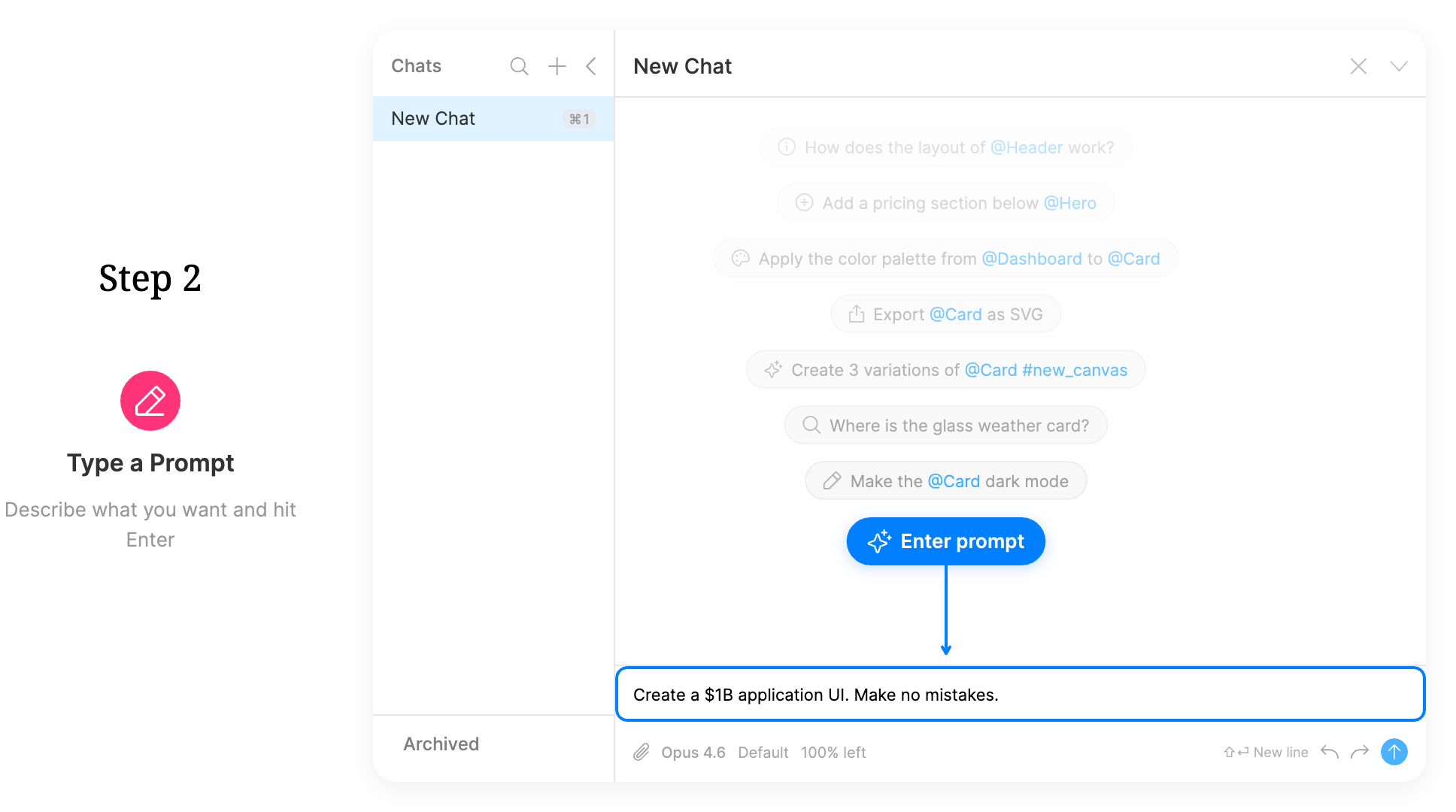
Press / on the canvas to focus the AI input and describe what you want. Don't spell out tools or steps, just the result.
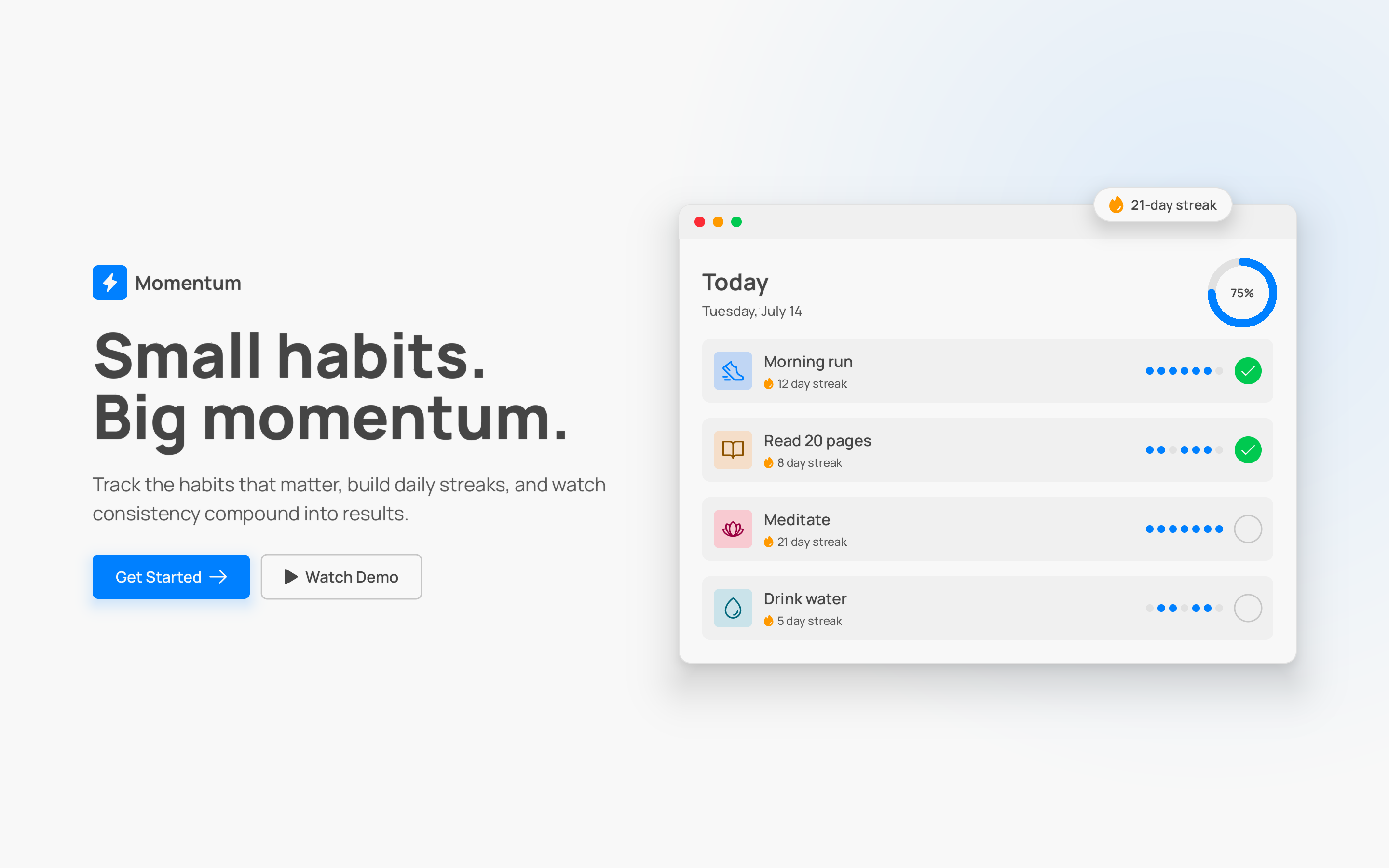
Create a landing page hero for a habit-tracking app called Momentum. A big headline, one line of supporting copy, a primary "Get Started" button and a secondary "Watch Demo" button, and room for a product screenshot on the right.
The agent streams the hero on as it builds it. When it finishes, every layer is yours to edit.
Iterate in deltas
Follow-ups see the whole conversation and the current canvas, so you speak in changes rather than re-describing the thing:
Rewrite the headline to be punchier and under six words.
Add more breathing room between the headline and the buttons.
Describe the problem, not the fix. "The buttons feel cramped" works as well as an exact spacing value. Click an element first and you can just say "this": the agent reads your selection.
When the spec is a picture rather than a paragraph, paste it in. Screenshots, competitor shots, and a whiteboard photo all ride along as attachments, and @ pulls in an element you already have so the new thing matches it.
Hand it over without a handoff
Because the output is native elements, a designer picks it up and keeps working instead of rebuilding it. There's no import step and nothing is flattened. The same is true downstream: an engineer's agent can read the canvas directly, so the artifact you make is the one the team builds from.
When you want eyes on it, publish the project to brilliant.design and the link is on your clipboard. Public is the default and it's free. Visitors get a view-only editor in the browser: they can pan, zoom, select, inspect properties, and copy elements out, but they can't change your work. For one piece rather than a whole project, publish a drop: a single selection with its own clean URL, ready to paste into a thread.
Mark the versions that mattered
A checkpoint is a named, saved version of a published project, created on purpose from the bookmark button in the top island or the Create Checkpoint command. Autosave keeps your work safe continuously, but autosave never mints a checkpoint: those are the moments you decide are worth marking.
Your checkpoints are listed at brilliant.design/{handle}/{project}/history, with no cap and no retention limit. Restoring an older one rolls forward rather than erasing, so you can go back, look around, and come forward again without losing anything. If you'd rather reviewers see only polished versions, switch the project's audience to Checkpoints only and keep working behind it.
What this isn't
Brilliant is a design canvas, not a doc tool and not a prototyping tool: there are no click-through flows, transitions, or hotspots yet, with prototyping on the roadmap. The built-in AI beyond the Brilliant AI Free includes every month and the 10-a-day cap on your own key is a paid feature: more Brilliant AI usage comes with the monthly plans (Personal, Pro, Max), and your own AI is unlimited on any paid plan. And keeping a project private is a paid feature too: public work is the free path.
It also won't tell you what to build. The agent produces professional structure with real auto layout, components, and tokens, but the judgment about which direction is right stays yours.
Next
Send your first prompt: Your First AI Chat.
Follow a full walkthrough: Design tutorials.
Put it in front of people: Publish a project.
Share one piece: Drops.