The professional design tool built agent-native from birth.
AI that outputs real, editable vectors on a real canvas, never a flattened image. Humans and agents work the same file, over a hundred undoable commands.
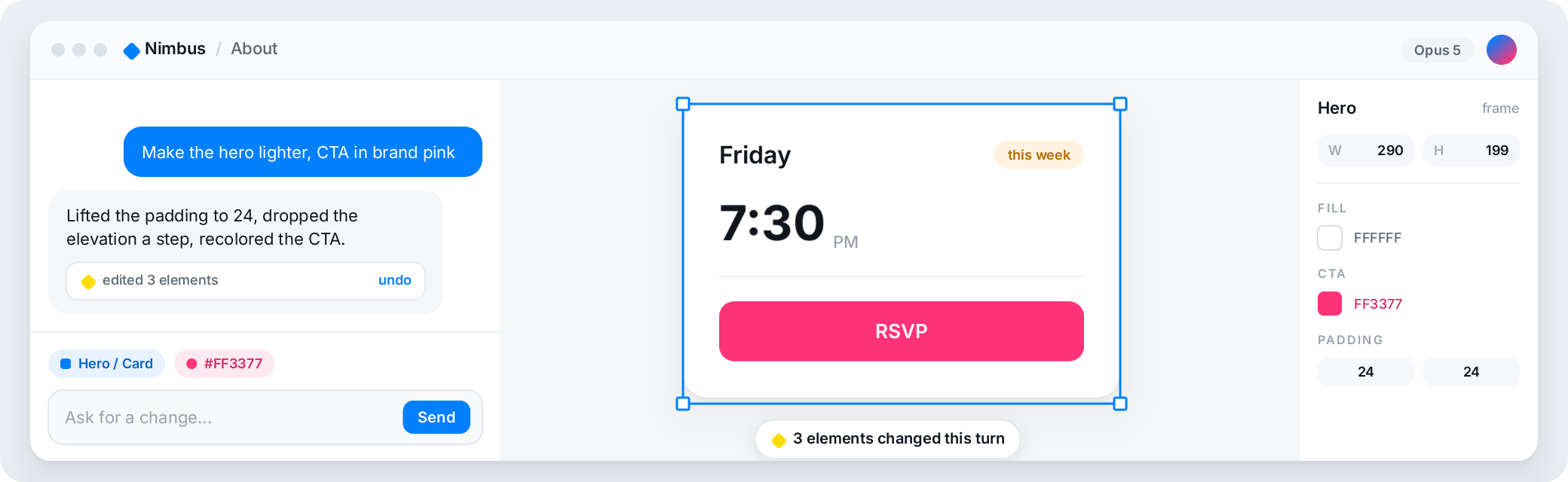
Five kinds of 'AI design tool'
"AI design tool" covers at least five different products in 2026. They are not interchangeable, and the difference decides whether you can actually use the output. Here is an honest map, with real tools placed in each class. Competitor facts below are current as of August 2026.
- Prompt-to-image generators
Turn a prompt into a picture of a UI. Fast for inspiration, but the result is pixels: you cannot select a button, rename a layer, or export a component.
- Prompt-first UI generators
Describe a screen or drop in a screenshot and get editable mockups. Uizard and Visily lead here; both are browser-only, hosted, and built for non-designers. Uizard markets itself as an alternative to vector-based design tools. Good for a first draft from nothing, thin on professional editing.
- Website builders with agents
Design and publish a hosted site in one tool. Framer is the strongest; its output is a live website on Framer's own infrastructure, and by its own statement Framer does not offer HTML export for self-hosting. A different job from an editor that hands you files.
- Professional editors with AI added on
A hand-built editor that later added an AI panel or an external agent bridge. The canvas was designed for hands, and agents reach it through a retrofit.
- Editors built agent-native
The canvas, the file format, and the command surface were designed for agents and humans together from the start. Brilliant sits here.
Why the agent-native class is different
Brilliant sits in class five, and these are the receipts.
- Same canvas, human and agent
An agent's elements are the same vectors you edit by hand. You stay the director; the agent does the work you would rather not.
- Over a hundred undoable commands
Agents run the same commands your keyboard does, each with full undo, so a wrong move is one keystroke back.
- Blueprint, the agent's language
Every design is plain-text Blueprint with a published spec, so an agent reads and writes your design the way it reads and writes code.
- AI included, or bring your own at zero markup
Brilliant AI is included on every plan, or bring your own and pay your provider directly: Anthropic, OpenAI, Google, OpenRouter, a Claude Code or Codex subscription, or a local endpoint.
- Unlimited MCP canvas work on Free
The daily chat cap never applies to MCP, on any plan; images on your Brilliant AI usage.
Does the AI edit, or just generate?
Both, and the difference is the whole point. Ask in plain English and agents create elements, rebuild layouts, swap tokens, try typography, and generate variations on what you are already working on. Everything lands as a real vector you can nudge, recolor, or delete.
It also inspects and edits any existing canvas: it reads structure, changes properties, reparents, renames, deletes, and reorders, and it searches across canvases by name, text, type, or color. Generation and editing are the same tool, working on the same real elements.
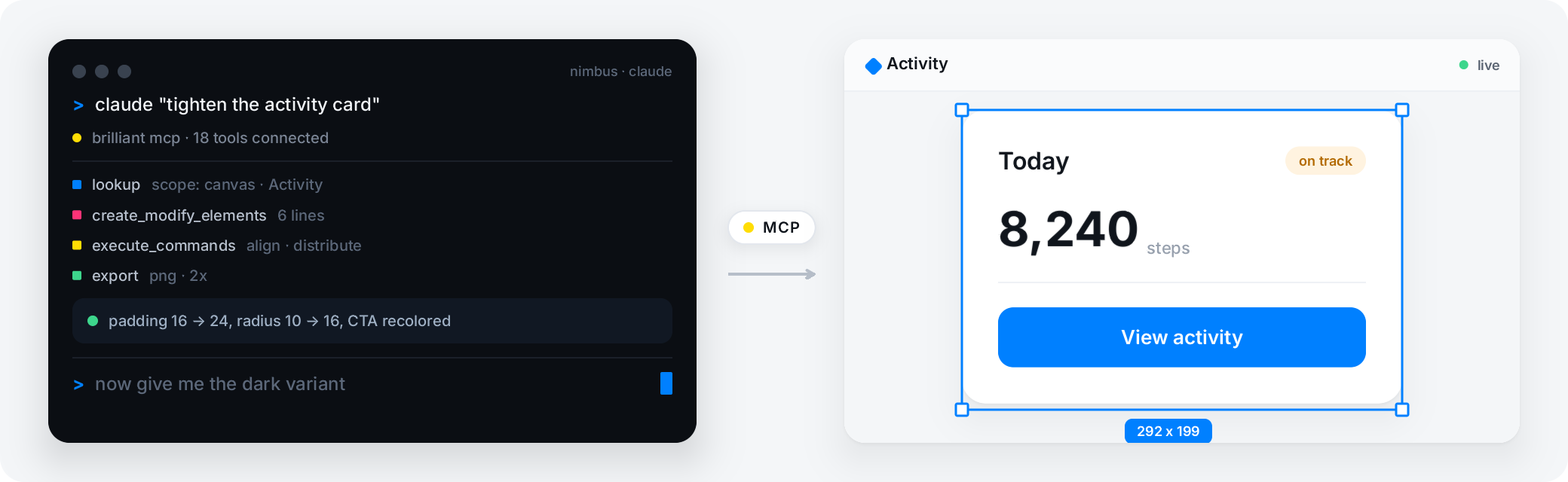
Where each tool fits
If you want zero setup and a browser tab, a hosted generator like Uizard or Visily (as of August 2026) gets you a first draft with no install and no key; Brilliant asks for a download, or the web editor; chat works with nothing to set up, and hands back real editable vectors you own instead of a hosted mockup.
Brilliant is a fully editable static canvas today, with interactive prototyping on the roadmap, so it generates designs you open and change rather than clickable prototypes. Everything it produces is a real element you can select, rename, restyle, and export.
Frequently asked questions
What is an AI design tool?
It is any tool that uses AI to help produce a UI or graphic design, but the category spans at least five very different products: prompt-to-image generators, prompt-first UI generators, website builders with agents, professional editors with AI added on, and editors built agent-native. The class decides whether the output is an editable design or just a picture of one.
Does the AI edit real designs, or only generate new ones?
In Brilliant it does both. Agents generate new elements and also inspect and edit any existing canvas: change properties, reparent, rename, delete, reorder, and search across canvases. Everything stays a real, hand-editable vector, never a flattened image.
Whose API key runs the AI, and what does it cost?
By default none of yours: Brilliant AI runs on Brilliant's own models, included on every plan (Free includes Brilliant AI every month; Personal, Pro and Max raise your monthly usage). Or bring your own provider or coding agent: it is never metered on any plan, with a 10-messages-a-day cap on the built-in chat on Free. External agents over MCP are unlimited everywhere, except an image an agent generates on Brilliant AI, which draws on your Brilliant AI usage and is capped like the chat's.
Can professionals use it as their primary editor?
Yes. It is a full Figma-class editor: pen and vector tools, boolean operations, auto layout, components with variants, a real design-token system, effects, and GPU shaders. The AI is an addition to that editor, not a replacement for it.
What do the agents actually do on the canvas?
They create native editable elements, edit any canvas, search across canvases, run over a hundred canvas commands each with full undo, export to ten formats, generate raster images and vectors, vectorize rasters, and load design knowledge on demand. They can also spawn parallel sub-agents.
Related
A full professional design tool that doesn't ask for rent, with agents on the canvas and your files in git.