Build feature UI from a spec
The slow part of feature work is rarely the idea. It's laying out the fifth variant of a settings panel with the right spacing, the right components, the right tokens. Brilliant's agent does that pass for you, using the primitives already in your project and over a hundred of the app's own commands, each with full undo.
What lands is vectors. Not a mockup image, not a code sketch.
Give it the spec and the context
Focus the chat with / and describe the surface. Then point it at what already exists:
Selection. Click a frame first and the agent reads it, so "make this the empty state" is unambiguous.
@mentions. Type@and pick an element by name to attach its structure and a render to the message: "Match the secondary button's radius and height to @Get Started."Attachments. Paste a screenshot, drag a file in, or use the paperclip when the spec is a picture.
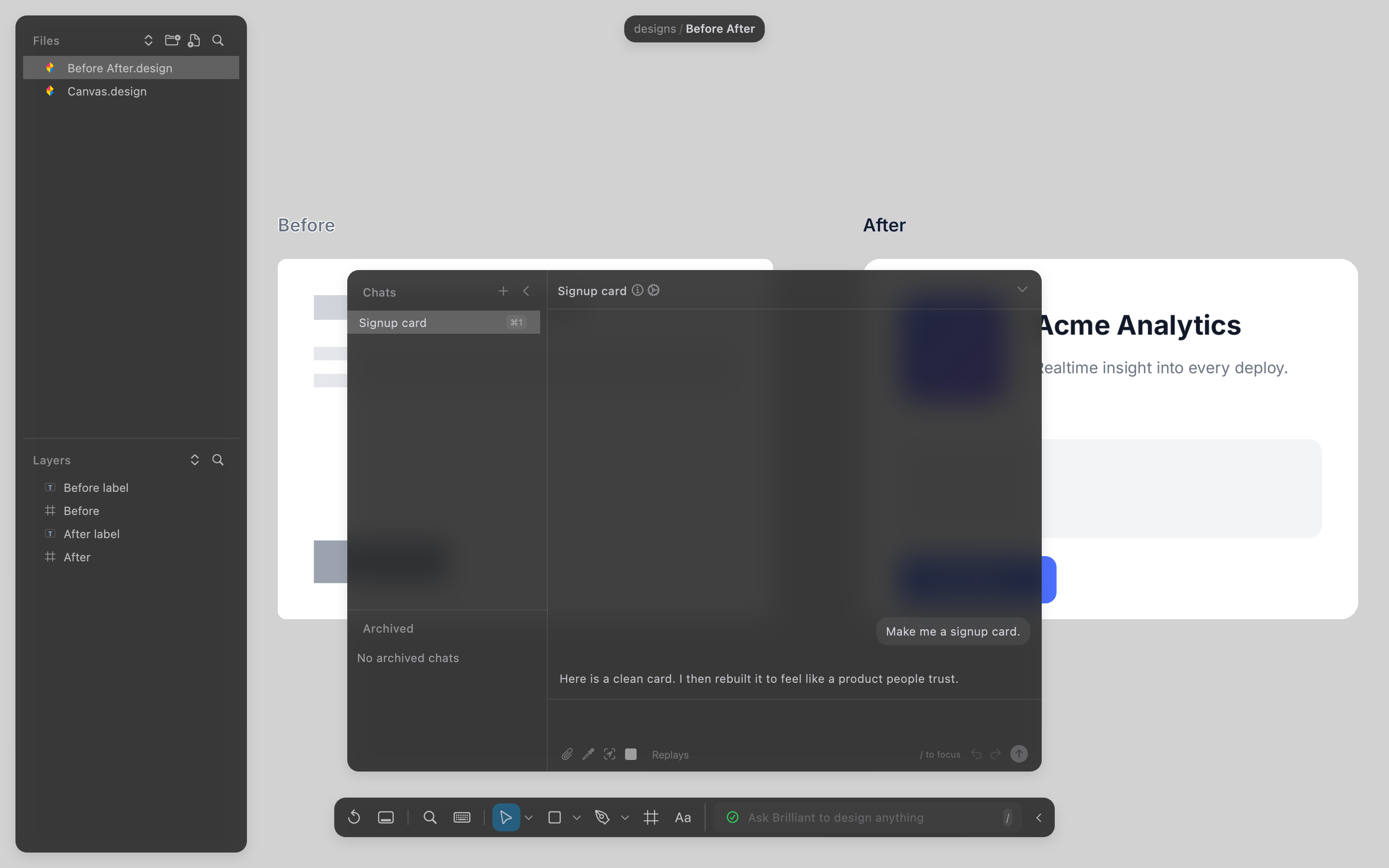
The agent can also look things up itself. It searches across canvases by name, text, type, color, or component, so "match the empty state to the one on the Settings canvas" is a request it can act on without you finding the file first.
It builds on your system, not near it
When a design system is active, every color, size, and font slot the agent writes resolves through it. Ask for tokens explicitly and you get $color.surface, $spacing.md, $radius.lg instead of hex codes, which means the screen re-skins with everything else later.
Components work the same way. Instances stay linked to their master, so the row of cards you asked for isn't five copies that will drift. Override the text on one and the rest keep syncing, and everything you didn't override keeps flowing down when the master changes.
Masters can live on a different canvas from their instances, which is the usual setup: one canvas of components, instances everywhere else. An instance remembers which canvas its master is on and syncs to its latest values when you open it.
When the spec has states rather than one look, a component set covers it. Named properties become axes, every combination of values maps to one variant, and an instance carries a configuration: one value per property. Flip the dropdowns in the right toolbar's Component section and the instance re-renders as the matching variant. No swapping, no duplicating a tree per state.
The loop catches its own mistakes
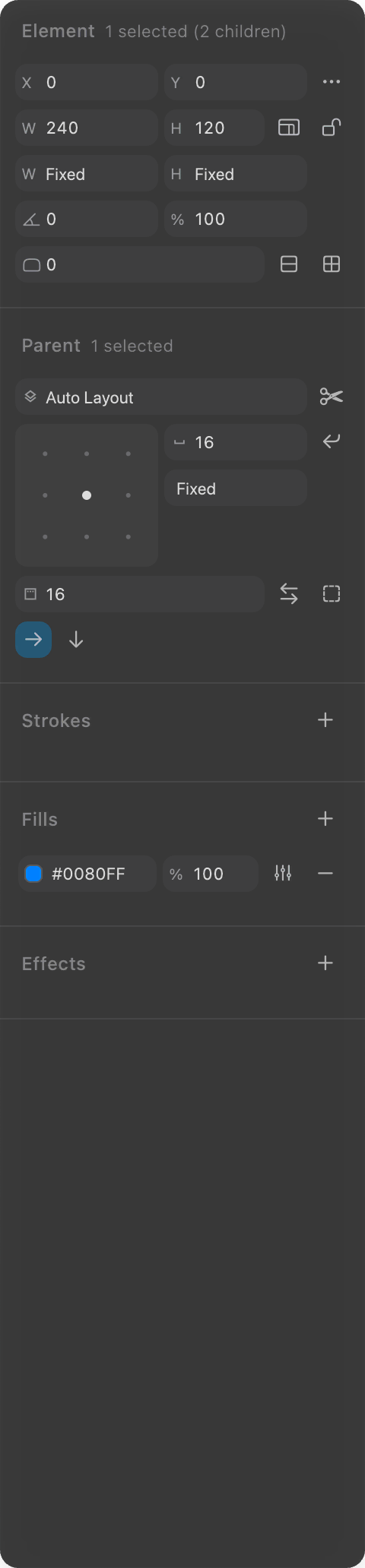
Every Blueprint line is validated before it touches the canvas, executed if valid, then linted for composition problems on the real geometry: text with no fill on a light background, an element that resolves to 0 x 120 because fill sits inside a hug parent, duplicate sibling names, content spilling out of a clipping frame.
Each one comes back with a stable code, a plain sentence, and a concrete fix, plus a render of what actually landed. The agent usually corrects it inside the same turn, so you're reviewing design decisions instead of debugging layout.
Then you take over
Everything is a native element with the usual handles, inspector, and shortcuts. Nudge spacing, swap a fill, restructure the frame. Each chat keeps its own undo stack too, so you can hand-edit while an agent is still running and roll back just its turn with Revert if a direction was wrong.
If a change you made by hand belongs to everyone, Push Overrides to Master sends it back up so every other instance follows. That one needs the master on the canvas you're viewing.
Where it stops
The agent works with the components you have; it can't invent a swap-instance gesture that doesn't exist, and repointing an instance at a different master means detaching and making a fresh one. Slots (children an instance fully owns) are designated through Blueprint authoring, with no by-hand control. And structural drift inside an instance is blocked on purpose: add or reorder children on the master and let it propagate.
Next
Follow a full build: Design tutorials.
Masters, instances, and sets: Components.
Bind it to your tokens: Design system overview.
What the checks catch: Quality linter.