Explore variations fast
Exploration dies when each direction costs an hour. In Brilliant a direction costs a prompt: chat sessions run in parallel on the same canvas, the first ten answer to Cmd+1 through Cmd+9 and Cmd+0, and each one keeps its own model, history, and undo stack.
Run several at once, keep the one that works, finish it by hand.
Fork the conversation, not the file
With the chat focused, press Cmd+N to start a fresh session and prompt the alternate take there. The old session stays live, so you can jump between experiments instead of choosing early.
Sessions dock as tabs to the right of the AI input. Minimized, each shows its topic, a spinner while it works, and its context usage; click to expand, double-click to rename, drag to reorder. Cmd+Shift+] and Cmd+Shift+[ walk between them.
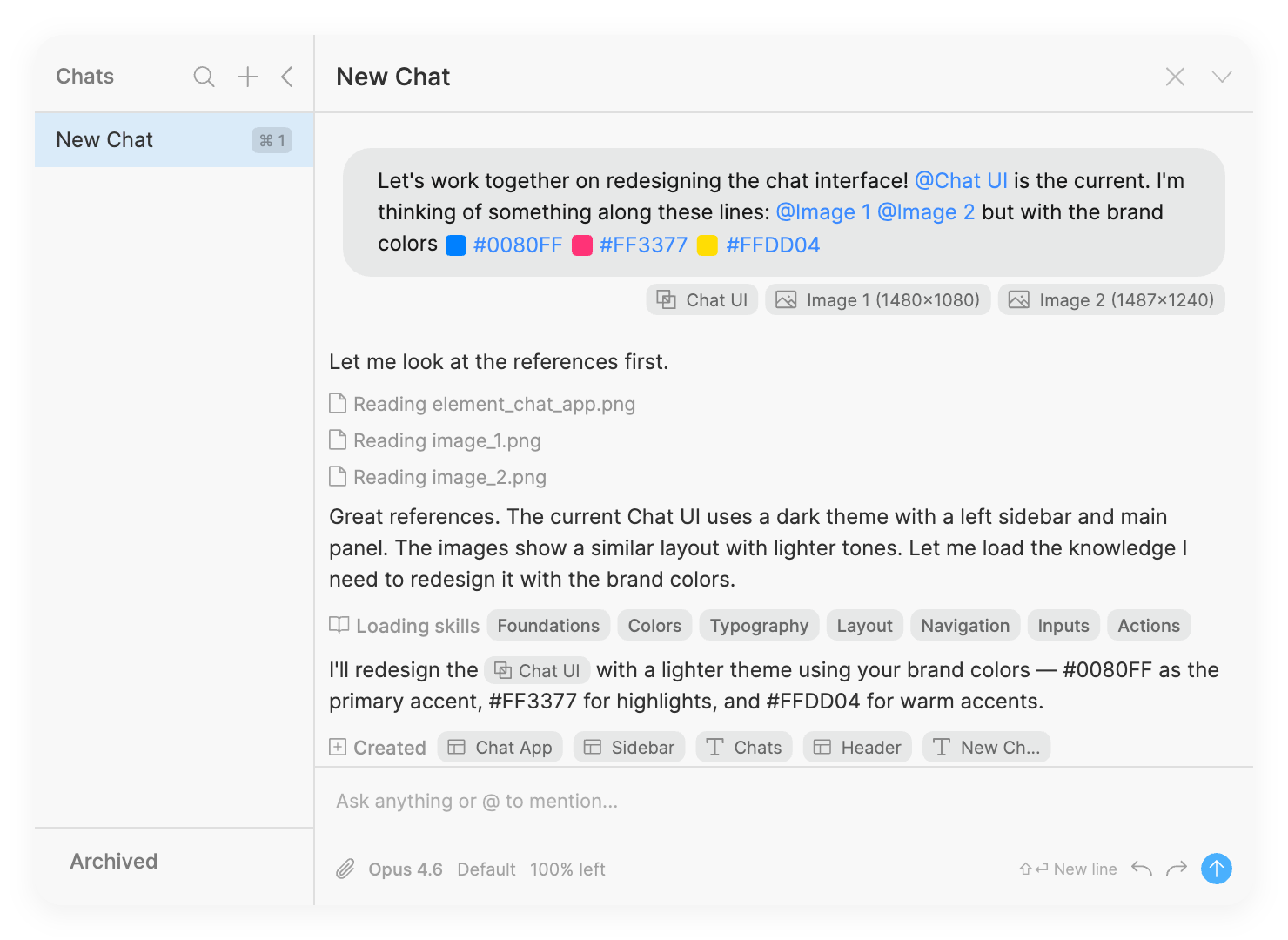
Speak in deltas
Inside a session, follow-ups see the full conversation and the current canvas, so you steer instead of restating:
Try a bolder version: bigger type, fewer words, one button.
Same layout, but make it feel calmer.
Describing the problem works as well as prescribing the fix. Add # in the composer for style modifiers (dark, mobile, minimal, and so on), and @ to point at an element you want the new direction to match.
Two habits make the loop faster. Send while the model is still working and your message queues, firing automatically when the current response lands, so you don't sit and wait. And /model switches provider and model mid-conversation, which is how you run the same brief through two models without retyping it.
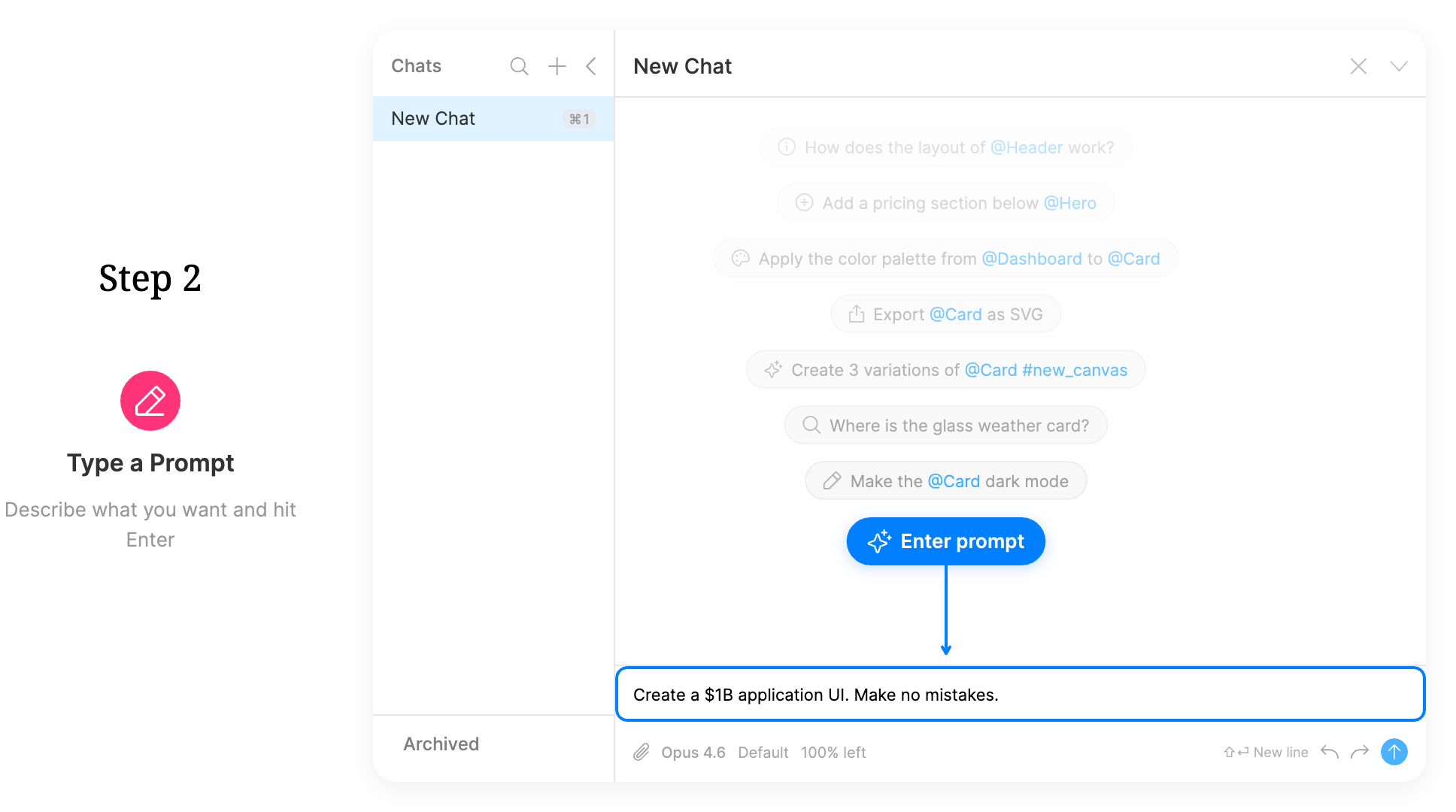
Undo that doesn't punish you
Each chat has its own undo stack, separate from the canvas's main history. So you can keep hand-editing while a session runs, and a turn you don't like has a Revert control on its card that rolls back exactly what that turn changed, with a Redo to bring it back.
Stop a run mid-flight with the stop button or /stop. Anything already created stays on the canvas, and the stopped turn still gets its Revert.
Keep the winner, park the rest
Variations are just elements, so the usual moves apply. Duplicate a canvas with Cmd+Ctrl+N to hold a direction. Make a new canvas with Cmd+N when the explorer is focused. Because canvases are plain-text .bl files, you can also branch the whole workspace in Git and review the diff.
To send one option around on its own, publish it as a drop: select the elements, run Publish drop, and the link is on your clipboard.
Sessions themselves are worth keeping too. Toggle the chat explorer with Cmd+Shift+A to browse, search, and manage every session in a sidebar, and the header's copy button exports a whole conversation as Markdown with its metadata (model, date, project, canvas, tokens, turns) when you want the reasoning, not just the result.
The catch
Canvas undo is session-only and per canvas. It survives switching canvases but not quitting the app, so a direction you want to keep needs to live somewhere real: its own canvas, a drop, a checkpoint on a published project, or a Git commit. Autosave keeps your work safe continuously, but autosave is not history.
Next
Tabs, slash commands, and revert: Sessions and chat.
A worked example of iterating by prompt: Design tutorials.
Where canvases and undo live: Canvases and files.
Share a single direction: Drops.