Generate UI you can actually edit.
Describe a screen, or drop in a screenshot, and get real frames, auto layout, components, and text. Not a picture of a design, a design you can open and change.
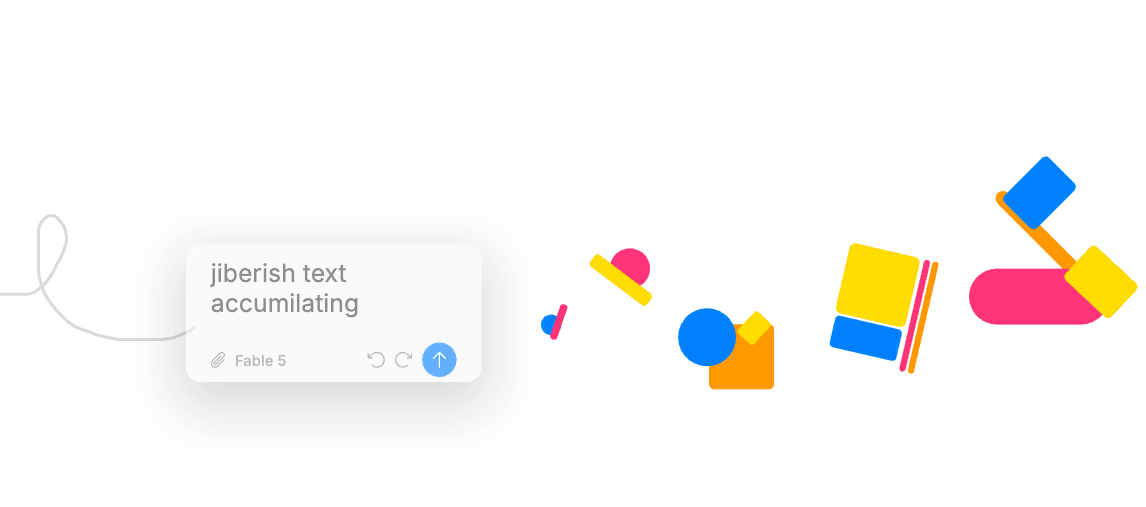
From a prompt or a screenshot to a real design
- Prompt to design
Describe a screen in the built-in chat, or drive it from any agent, and it lands as native editable elements.
- Screenshot to editable design
Vectorize a raster and recreate it as real elements, or paste HTML and get native elements.
- Image to vector
Convert a raster image into editable vectors, and generate raster images when you need them.
- Export to code
HTML in three flavors and React JSX, plus SVG, PDF, and the raster formats. Copy As covers CSS, HTML, React, SVG, and Blueprint.
- Match your design system
Generation resolves against your project's Styles tokens, so the output uses your colors, type, and spacing.
Editable, not a flattened image
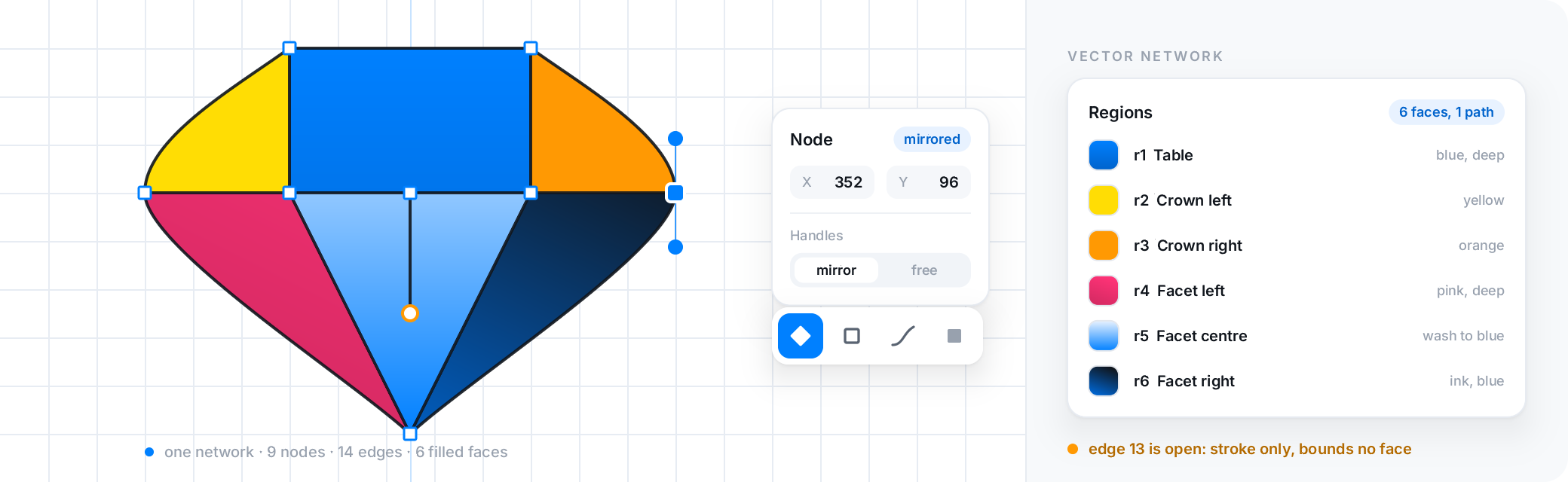
The output is the whole point. Everything the generator produces is a real vector element on a real canvas: select a button, rename a layer, drag a frame, swap a token. Compare that to a generator that hands you a PNG or a single per-component code snippet.
And because the AI uses the same primitives you do, auto layout, components, and tokens, what it generates fits into the rest of your file instead of sitting beside it.
What it costs
The built-in chat runs on Brilliant AI by default (included every month on Free; Personal, Pro and Max raise your monthly usage) or on your own key at zero markup (ten messages a day on Free, unlimited on any paid plan).
Driving Brilliant over MCP from an external agent is unlimited on every plan, including Free, except an image an agent generates on Brilliant AI, which draws on your Brilliant AI usage and is capped like the chat's; an agent generating UI through MCP never hits the chat cap.
Where each tool fits
If you want zero setup, a browser-only hosted generator such as Uizard or Visily (as of August 2026) gets you a first screen with no install and no key; Brilliant asks for a download, or the web editor; chat works with nothing to set up, and returns real editable elements you own rather than a hosted mockup.
Brilliant is a fully editable static canvas today, with prototyping on the roadmap: it generates designs you open and change, not clickable prototypes.
Frequently asked questions
Do I need an API key, and what does it cost?
No. Brilliant AI works with nothing to set up and is included on every plan; Free includes it every month. Bring your own AI (your own keys and coding agents) if you prefer: you pay your provider directly, Brilliant takes no markup, and it is unlimited on any paid plan (10 messages a day on Free). External agents over MCP are unlimited on every plan, except an image an agent generates on Brilliant AI, which draws on your Brilliant AI usage and is capped like the chat's.
Can it recreate a screenshot I already have?
Yes. Brilliant can vectorize a raster image into editable vectors and recreate a screenshot as real elements, and it converts pasted HTML into native elements. The result is an editable design, not a flat image.
Is the generated UI editable by hand?
Completely. Everything the AI produces is a real vector element: select it, rename it, recolor it, drag it, or delete it. It uses the same auto layout, components, and tokens you use by hand, so it fits into the rest of your file.
Can it match my design system?
Yes. Generation resolves against your project's Styles tokens, so the output uses your colors, type scale, spacing, and modes rather than inventing new ones.
Can I get code out?
Yes. Brilliant exports HTML in three flavors and React JSX, plus SVG and PDF, and Copy As covers CSS, HTML, React, SVG, and Blueprint. The design and the code come from the same editable source.
Related
A full professional design tool that doesn't ask for rent, with agents on the canvas and your files in git.