A real design canvas for your agent.
Point Claude Code, Cursor, or any MCP client at Brilliant and it designs alongside you: real vectors, full undo, your own keys. Unlimited canvas work on every plan, including Free; images draw on your Brilliant AI usage.
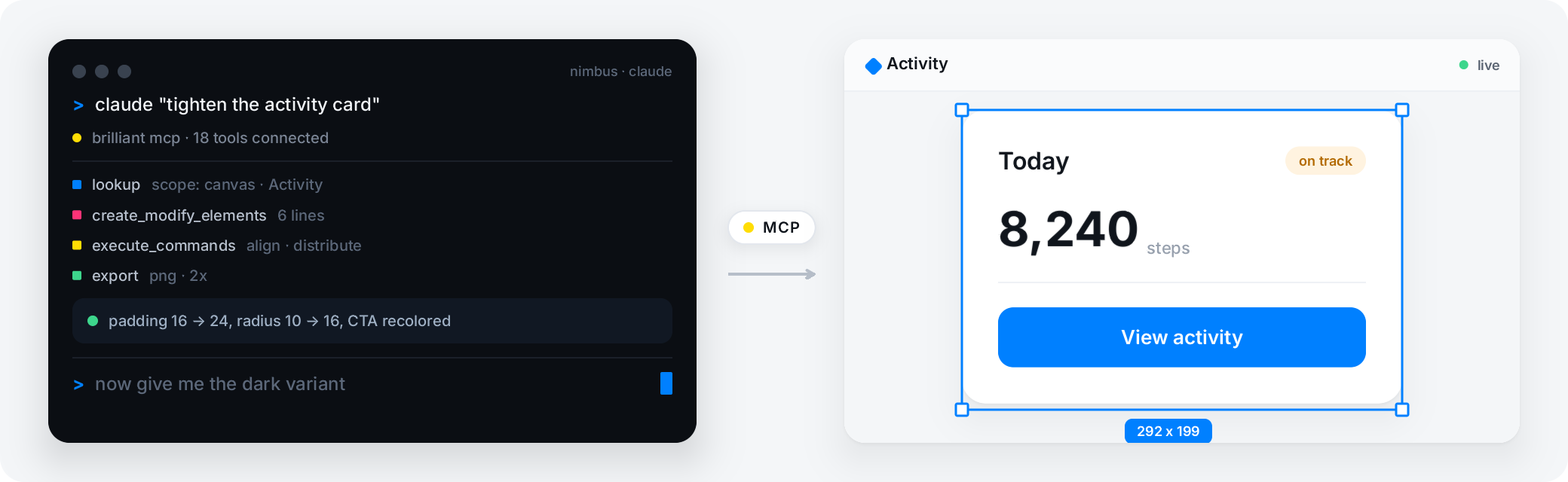
Connect your agent
The local MCP server runs the whole time the app is open, at http://127.0.0.1:3333/mcp, localhost only. Connect any of these:
What the agent can do
- Create
Native editable elements, from HTML and CSS or from Blueprint.
- Edit
Any canvas: read structure, change properties, reparent, rename, delete, reorder.
- Search
Across canvases by name, text, type, color, or component.
- Run commands
Over a hundred canvas commands, each with full undo.
- Export
PNG, JPEG, WebP, SVG, PDF, HTML, React, MP4, MOV, and Replay.
Agent-native, not agent-bolted-on
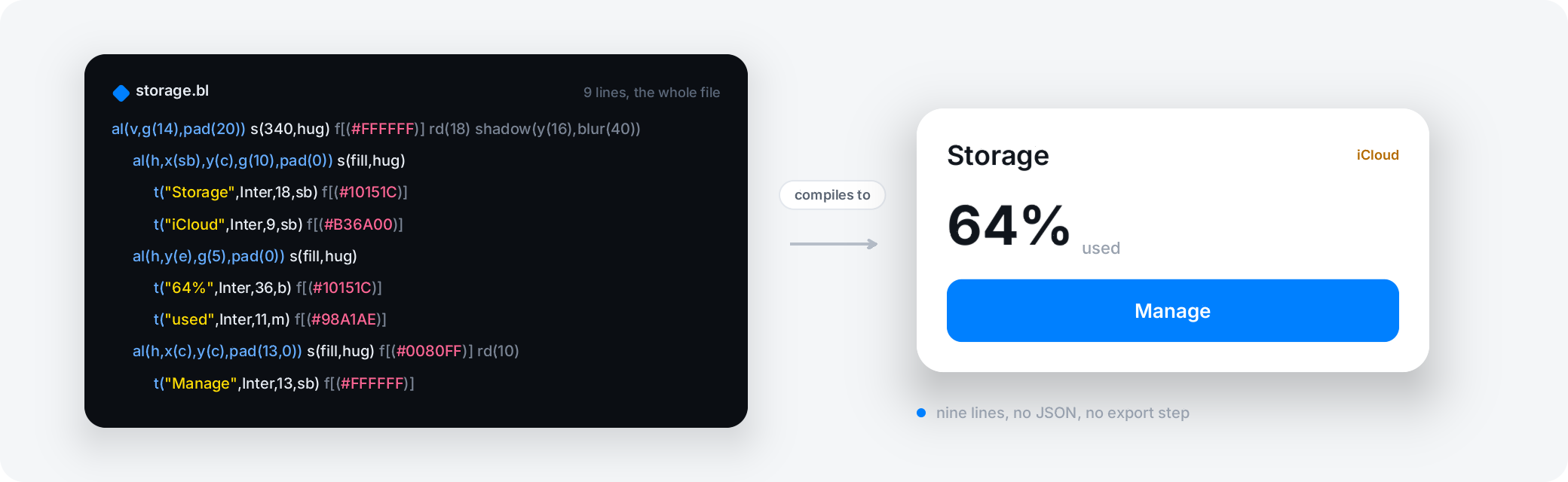
Two things set this apart from a design tool that added an agent bridge later. First, the language: every design is plain-text Blueprint with a published spec, so an agent reads and writes your design the way it reads and writes code, not through a lossy translation. Second, undo: every one of the hundred-plus commands is undoable, so an agent's mistake is one keystroke back, and you and the agent edit the same canvas at once.
Brilliant is not the only design tool an agent can drive; Penpot and Lunacy, among others, ship MCP servers too. What is unusual is the shape: unlimited canvas work on the free plan (images on your Brilliant AI usage), write access across the full command surface with undo, no focused browser tab to keep open, on Brilliant AI or your own key.
Your data stays on your machine
The MCP server is localhost only. Nothing leaves the machine until you act, and attached context is per-item opt-in. The web tab is drivable too, with claude mcp add brilliant -- npx -y @brilliant-hq/mcp: a helper runs on your own machine, the agent talks to the helper, and the helper talks to your browser tab, all on localhost, so no MCP traffic or design data touches Brilliant's servers.
Two honest limits. Brilliant is a fully editable static canvas today, so an agent cannot build an interactive prototype here yet, with prototyping on the roadmap. And Safari is not supported for the web-tab bridge.
Frequently asked questions
Which MCP clients work with Brilliant?
Claude Code connects automatically; Claude Desktop connects through a bridge; Cursor, Codex CLI, GitHub Copilot in VS Code, Windsurf, and Antigravity each have a setup guide; and Gemini CLI, Zed, and OpenCode connect from Settings. Any client that speaks MCP can drive the local server at http://127.0.0.1:3333/mcp.
Is MCP really unlimited on the free plan?
Yes. MCP usage is unlimited on every plan, including Free, except an image an agent generates on Brilliant AI, which draws on your Brilliant AI usage and is capped like the chat's. The built-in chat's daily cap of ten messages does not apply to MCP at all.
Does my design data reach Brilliant's servers?
No. The MCP server is localhost only, and nothing leaves the machine until you act. Even the web-tab bridge runs a helper on your own machine, so the agent talks to the helper and the helper to your browser tab, all on localhost; no MCP traffic or design data touches Brilliant's servers.
What can an agent drive, and what is out of scope?
An agent can drive everything the editor does: create native elements, edit any canvas, search across canvases, run over a hundred commands each with undo, and export to ten formats. The two things out of scope today are an interactive prototype (Brilliant is a static canvas, with prototyping on the roadmap) and the web-tab bridge on Safari.
How is this different from Figma's agent access?
Figma exposes its canvas to agents over MCP too, with read access free and write access in beta on its paid remote server (as of August 2026). Brilliant's MCP server runs in the desktop app itself, write is included, its canvas work unlimited on every plan including Free (images on your Brilliant AI usage), and it runs on Brilliant AI or your own key. Other tools such as Penpot and Lunacy ship MCP servers as well; the difference is the shape, not the existence.
Related
A full professional design tool that doesn't ask for rent, with agents on the canvas and your files in git.