Connect Antigravity
Connect Google's Antigravity so its agent can design directly on your Brilliant canvas.
Prerequisites
Antigravity installed.
Brilliant open. The MCP server only runs while the app is running.
Setup
Open Settings (
Cmd+,) in Brilliant and pick MCP Connections.Flip the Antigravity row on.
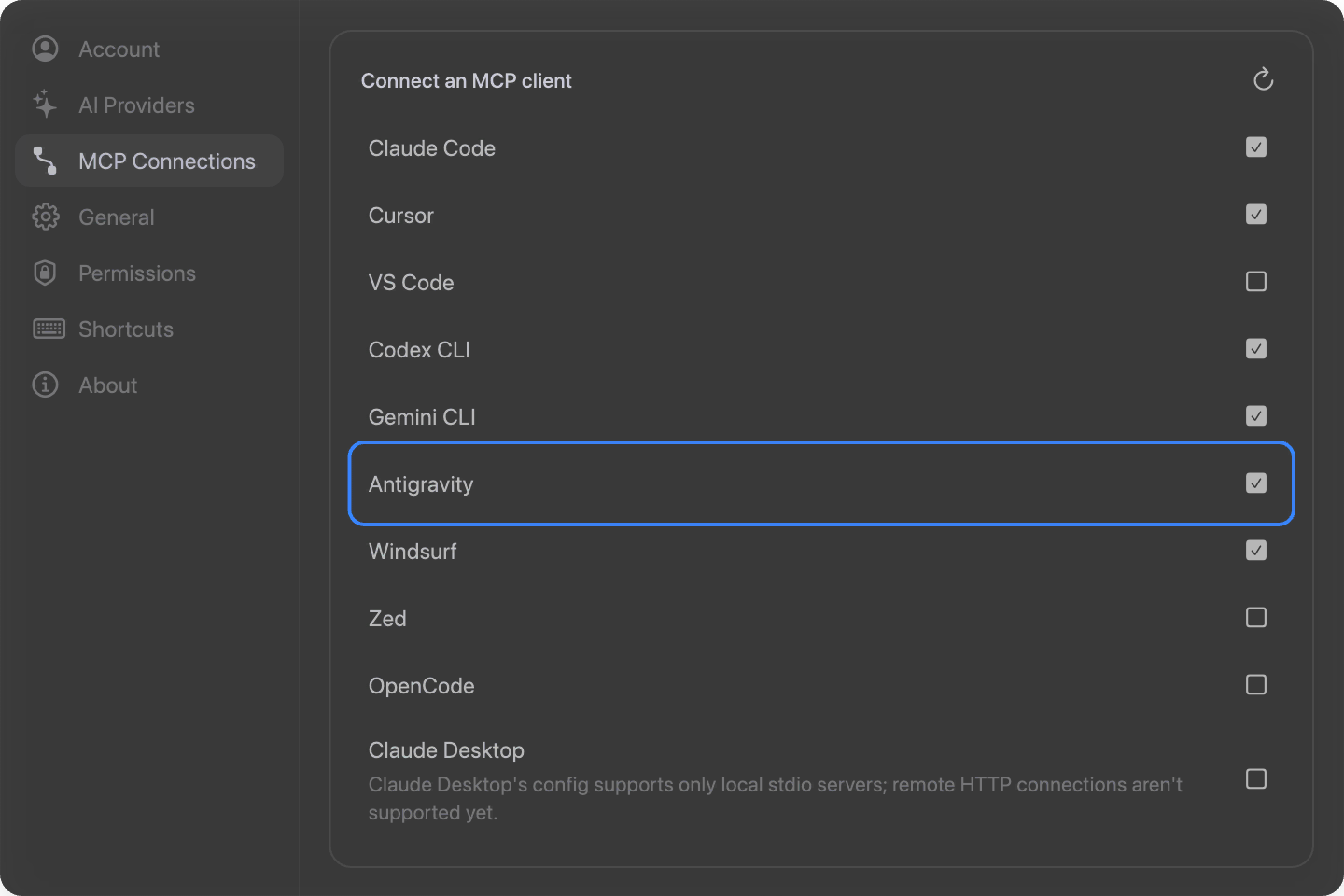
Brilliant writes a brilliant server into ~/.gemini/antigravity/mcp_config.json. Restart Antigravity so it loads the server.
By hand
Antigravity uses a serverUrl key:
{
  "mcpServers": {
    "brilliant": {
      "serverUrl": "http://127.0.0.1:3333/mcp"
    }
  }
}Use 3334 or 3335 if Brilliant reported a fallback port.
Try it
Ask Antigravity's agent to design, with Brilliant open:
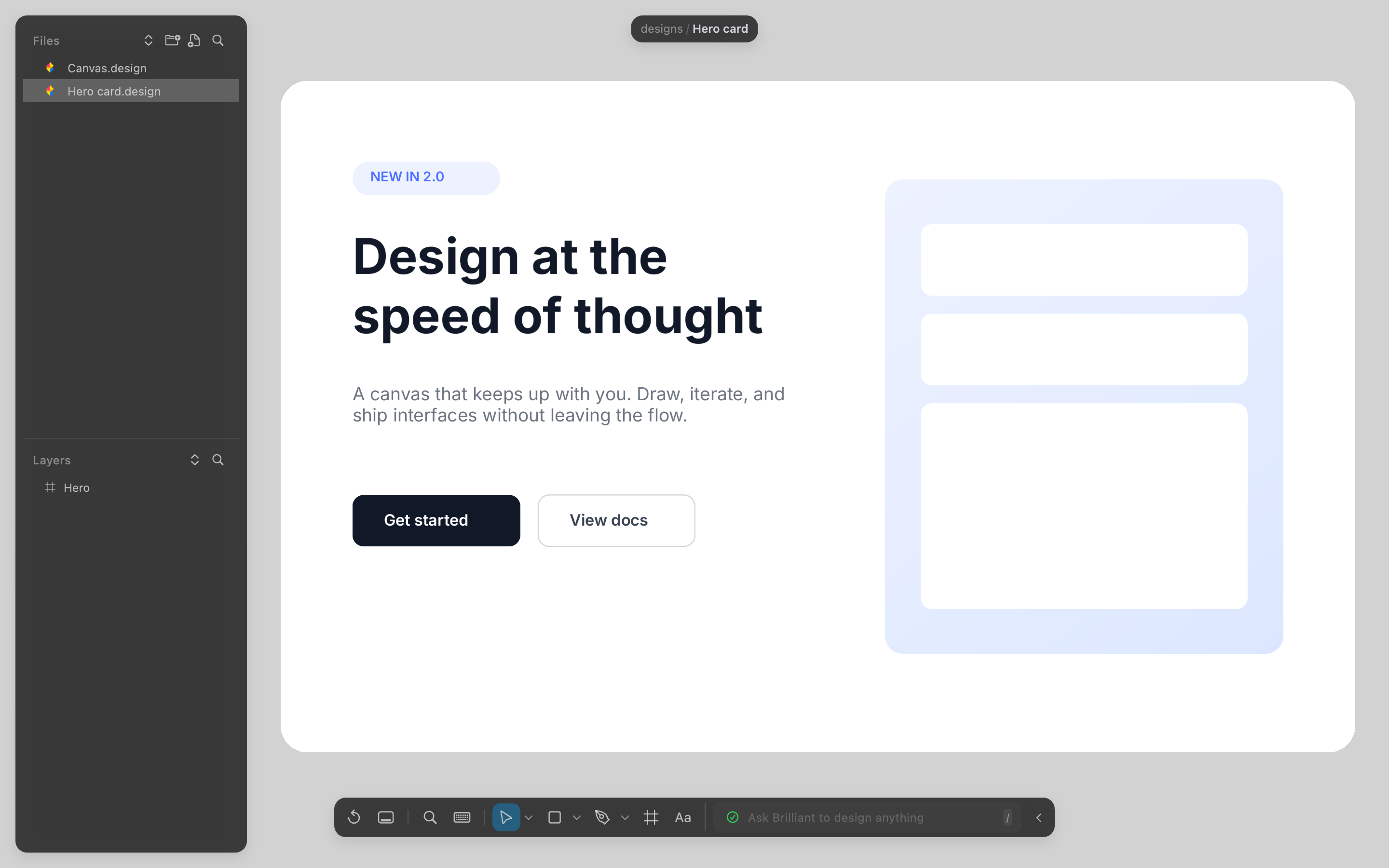
In Brilliant, build a product page with a gallery and an add-to-cart panel.Read my selection in Brilliant and generate a matching empty-state illustration.Lay out a four-step wizard in Brilliant, each step in its own frame.
Troubleshooting
Antigravity doesn't see the
brillianttools. Restart it; MCP servers load at launch.Calls fail. Brilliant must be running. Launch it and retry.
Port mismatch. If Brilliant is on 3334 or 3335, re-toggle the Antigravity row in Settings to rewrite the address, then restart Antigravity.
The row shows unchecked but the config has a
brilliantentry. Its URL points elsewhere. Toggle on to rewrite it to the correct local address.