Learn
Short answers and step-by-step guides for designing with Brilliant and AI agents. Every post is dated, and every picture is a real render.

How to make a transparent PNG sticker
Upload a photo to the free Brilliant background remover, turn on a white outline, and download the PNG. No sign-up and no watermark.Topics
Latest
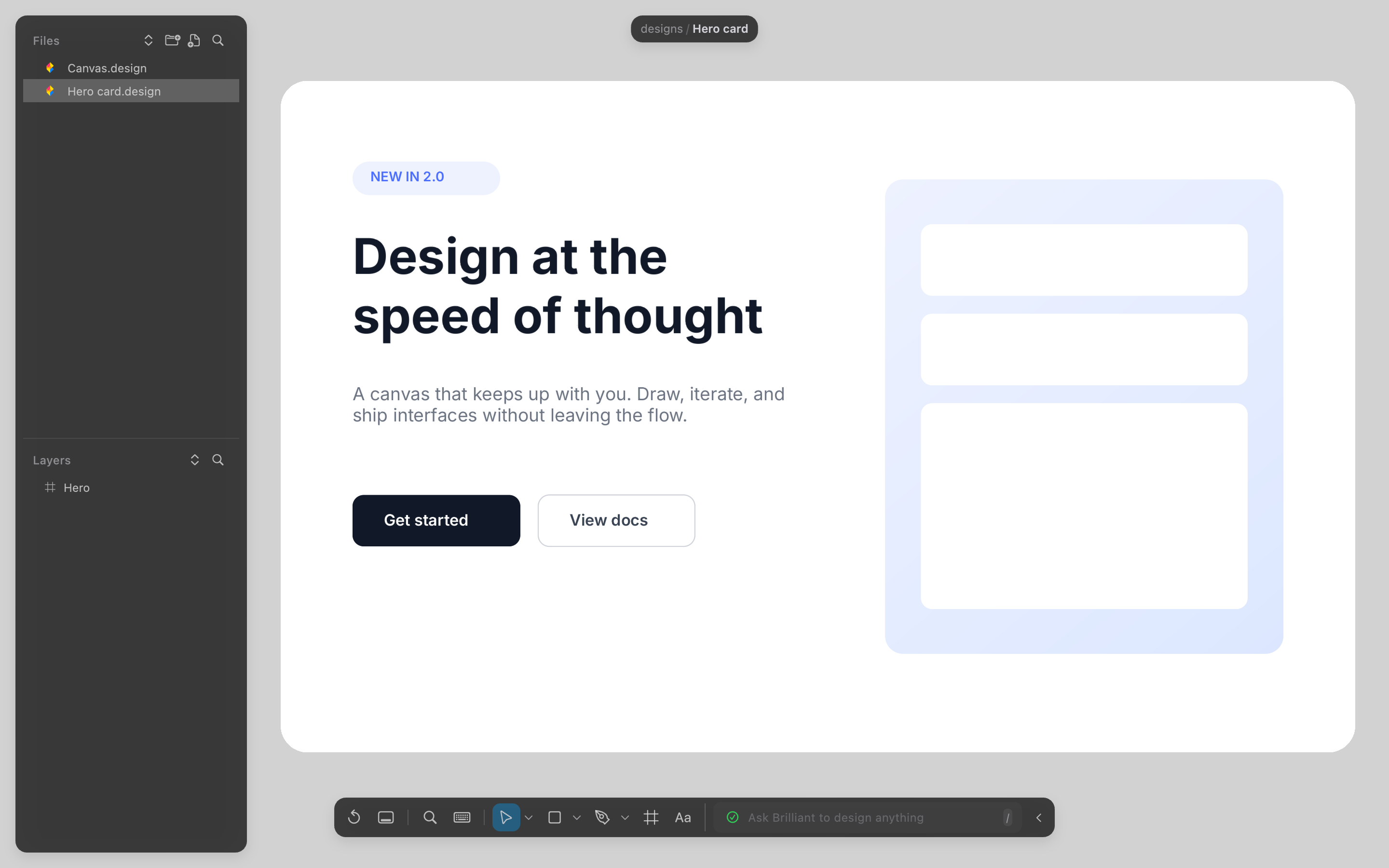
How to design a landing page with Cursor
Install the Brilliant helper for Cursor, open brilliant.design, and ask Cursor's agent for the page one section at a time. Every section stays editable.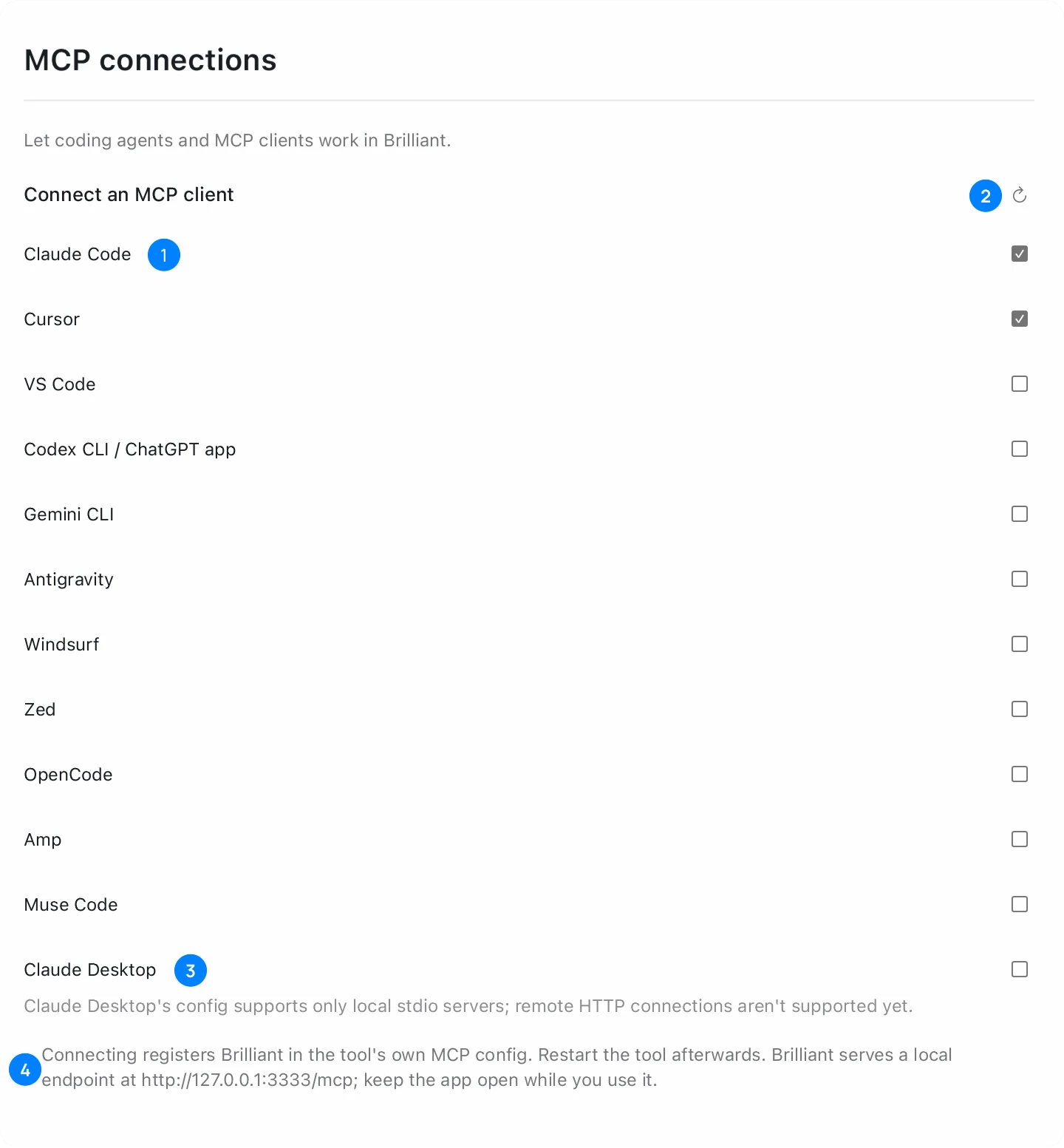
How to design a mobile app screen with Claude Code
Connect Claude Code to Brilliant with one command, then ask for the screen at a phone size. It lands on a canvas as editable layers.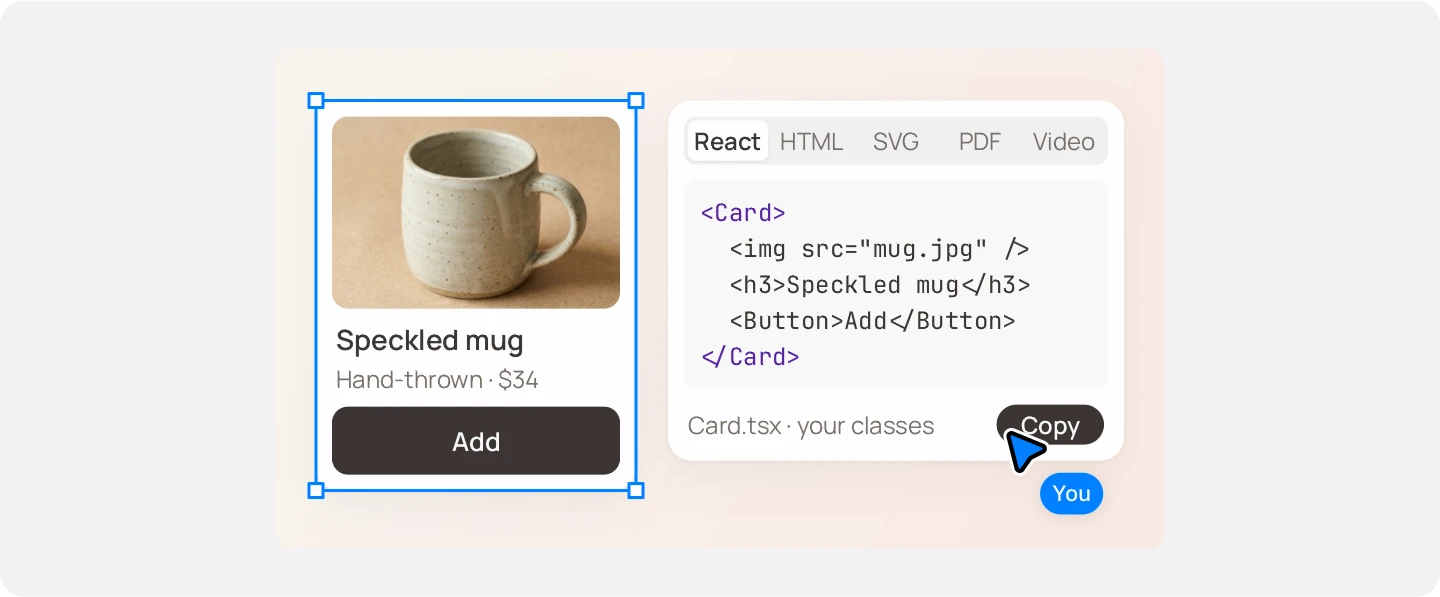
How to export an agent's design to React
Select the frame the agent made in Brilliant, choose React in the Export section, and you get JSX with style objects to adapt in your app.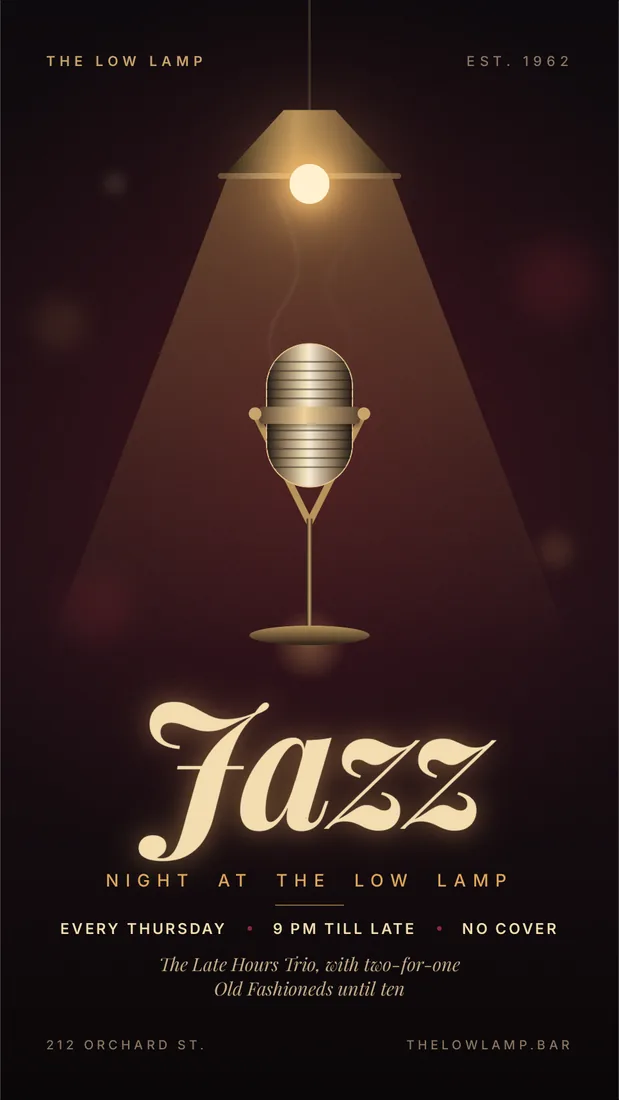
How to make a poster with an AI agent
Open the Brilliant playground, describe the poster and its size in one prompt, and the AI agent draws it as editable layers you can export as PNG or PDF.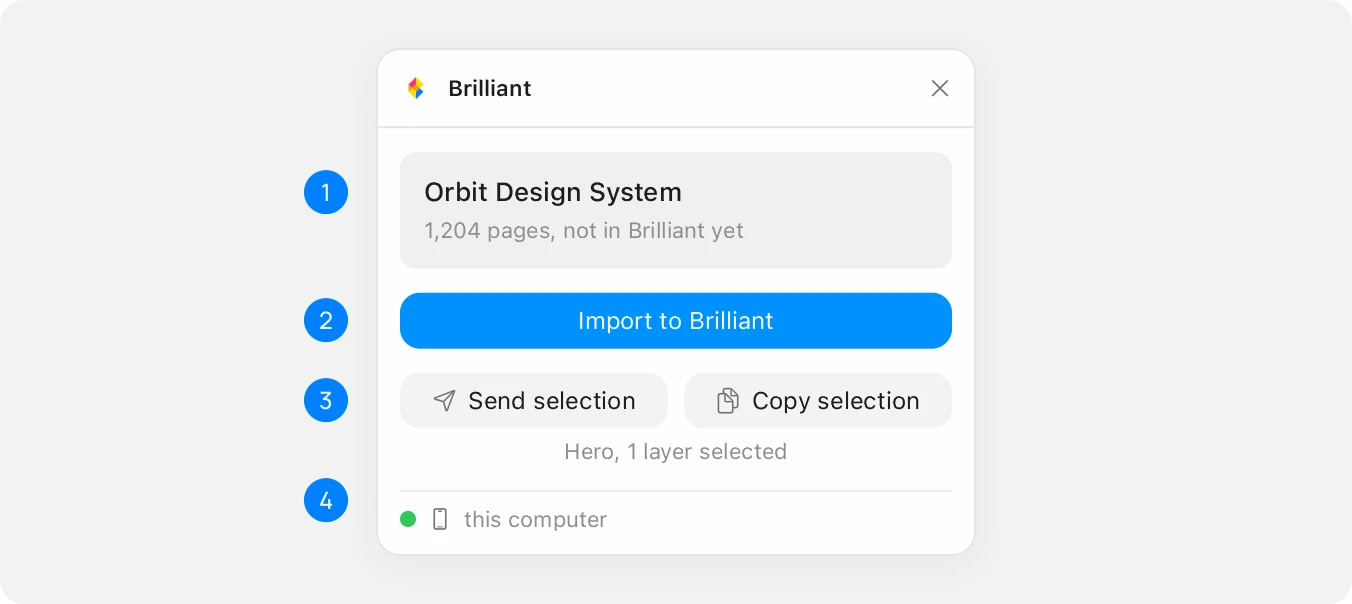
How to turn a Figma file into an agent-editable design
Import the Figma file with the Brilliant plugin, then connect a coding agent over MCP. Layout, components and variables stay live for the agent to edit.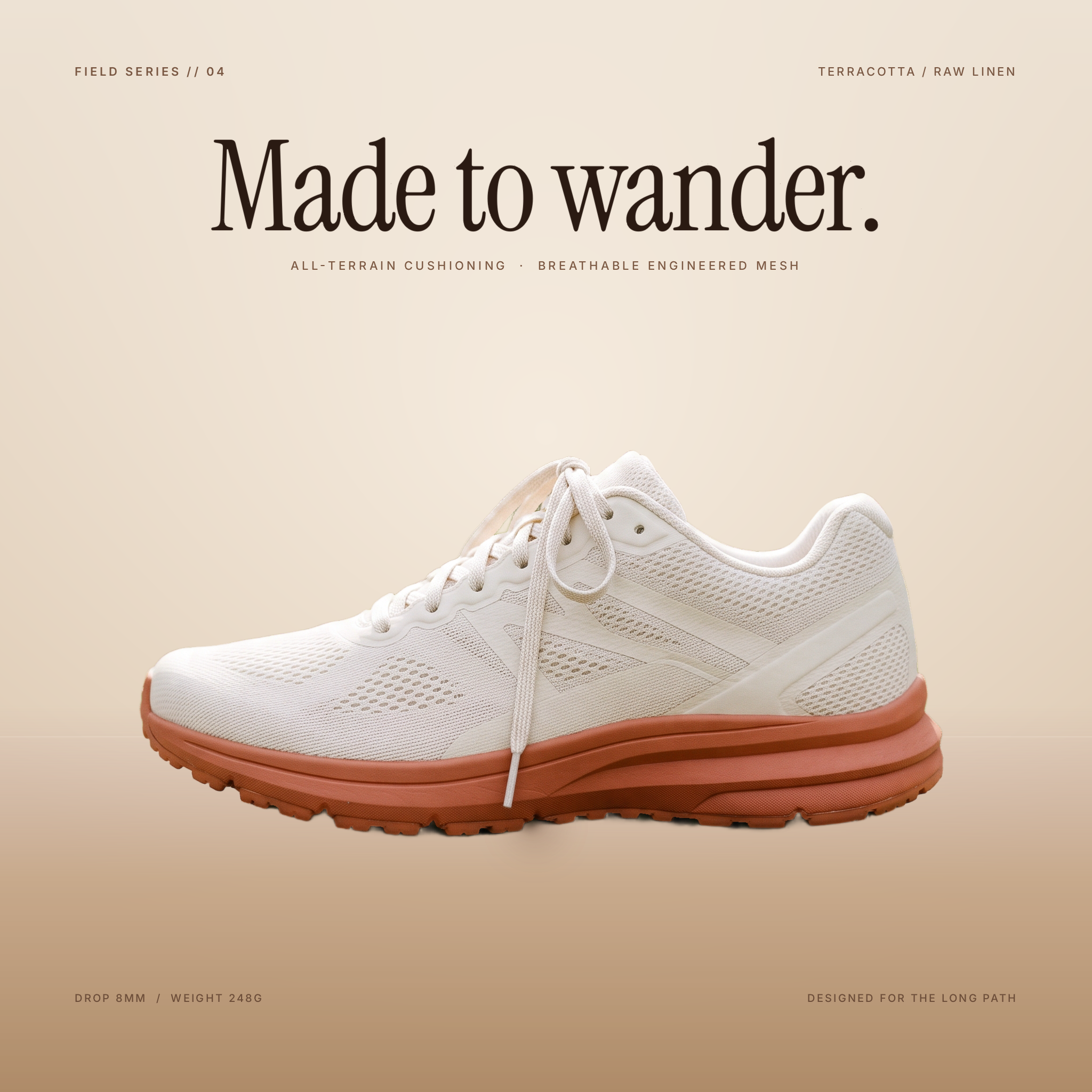
Made to wander
A poster for a running shoe, made from one product photo and one sentence. Brilliant AI set the cutout on a warm studio backdrop and added the headline. Everything it made stays editable.