How to design a mobile app screen with Claude Code

How to design a phone screen from Claude Code
Add Brilliant to Claude Code
Run this once in a terminal. It needs Node 20 or later and no API key. If it says brilliant already exists, you are already connected. On the desktop app you can check Claude Code in Settings, MCP connections instead.
Terminal
claude mcp add --scope user brilliant -- npx -y @brilliant-hq/mcp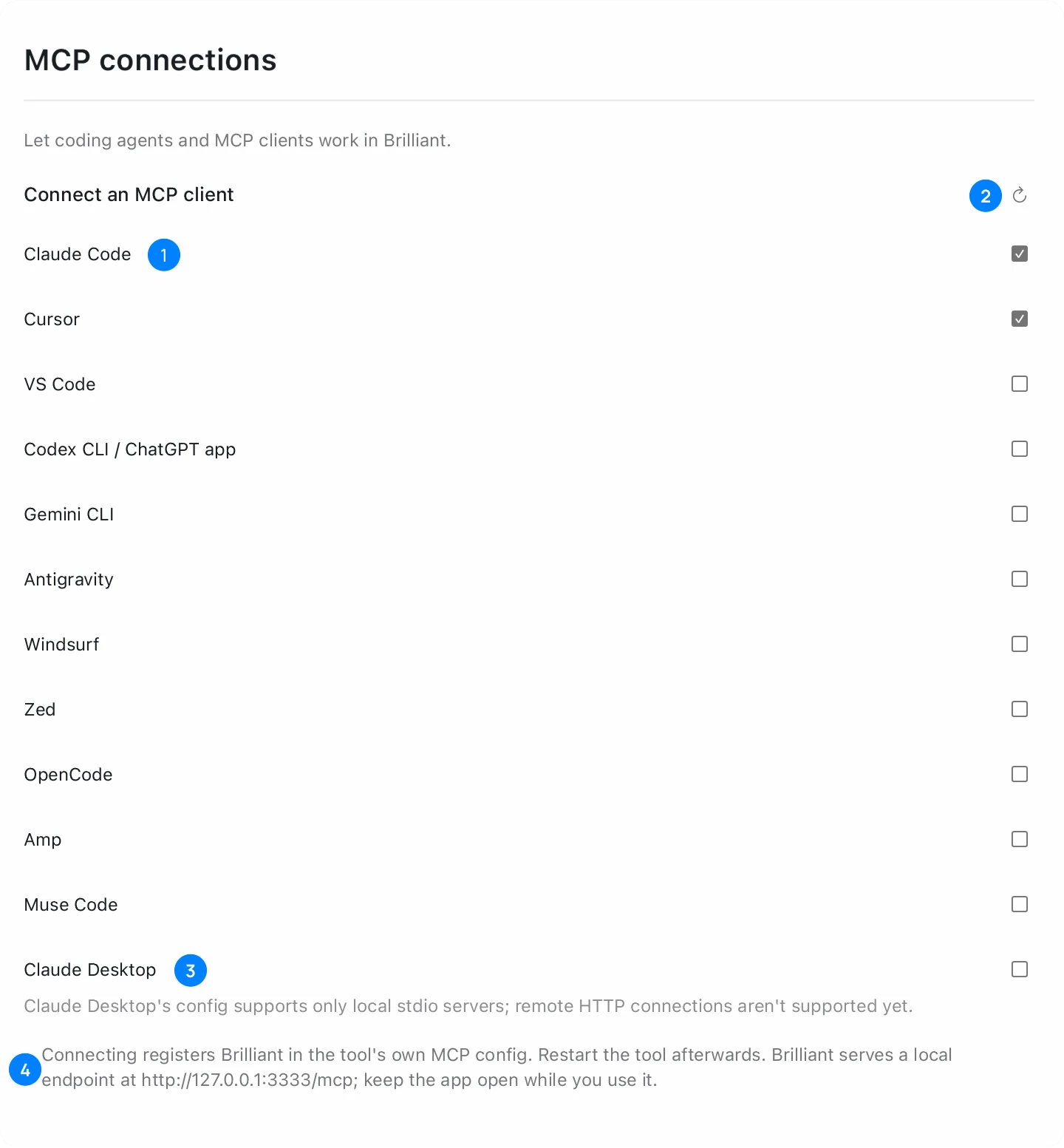
Open Brilliant
Open brilliant.design in Chrome, Edge or Firefox with WebGPU, or open the desktop app. With no tab open, the first tool call opens brilliant.design and pairs with it. Chrome may ask once for local network permission: allow it.
Check the connection
Start a new Claude Code session and run /mcp, or run claude mcp list in a terminal. Claude Code shows brilliant as connected.
Ask for the screen, with its size
Say what the screen is for and how big it is. A size in the prompt gives you a frame at real phone dimensions instead of a loose sketch.
Prompt
Design a phone screen in Brilliant for a money transfer app, sending money to a friend. iPhone screen, 390 x 844.Change it by prompt or by hand
Claude Code can read the canvas, so follow-up prompts such as "make the amount larger" edit the same screen. Every part is an element you can select, move and restyle yourself.
Export it or build it
Press Cmd+E for a PNG, or use the Export section for SVG, PDF, HTML or React. Because Claude Code already knows your repository, you can also ask it to build the screen in your own components.
Common problems
| Problem | Fix |
|---|---|
| claude mcp list shows no brilliant entry | Run the command in step 1 again. With the desktop app, open Brilliant: it adds its entry at each start unless you unchecked the row. |
| Calls fail or the connection is refused | Keep a brilliant.design tab or the desktop app open while Claude Code works. |
| The browser blocks the local connection | Turn on Local network for brilliant.design in the browser settings. Safari blocks it for every site, so use Chrome, Edge, Firefox or the desktop app. |
| The screen comes out at the wrong size | Put the width and height in the prompt, for example 390 x 844. |
Questions
Do I need the Brilliant desktop app?
No. The helper in step 1 works with a brilliant.design tab in Chrome, Edge or Firefox. The same entry reaches the desktop app when it is open.
Does it cost anything?
Your own agents over MCP get unlimited canvas work on every plan, Free included. Generated images and background removal draw on your Brilliant AI usage.
Can Claude Code use my design system?
Yes. Tell it to use the project's design system, and it builds with the project's tokens.
Is there a Claude Code plugin?
Yes. The brilliant-design plugin installs the Brilliant MCP server together with design skills. Install it with claude plugin install brilliant-design --marketplace brilliant-hq/brilliant-mcp.
Does my design leave my computer?
MCP itself stays on your machine. An image generated on Brilliant AI and background removal go through Brilliant's servers, and your agent sends content to its own provider.