How to make a transparent PNG sticker

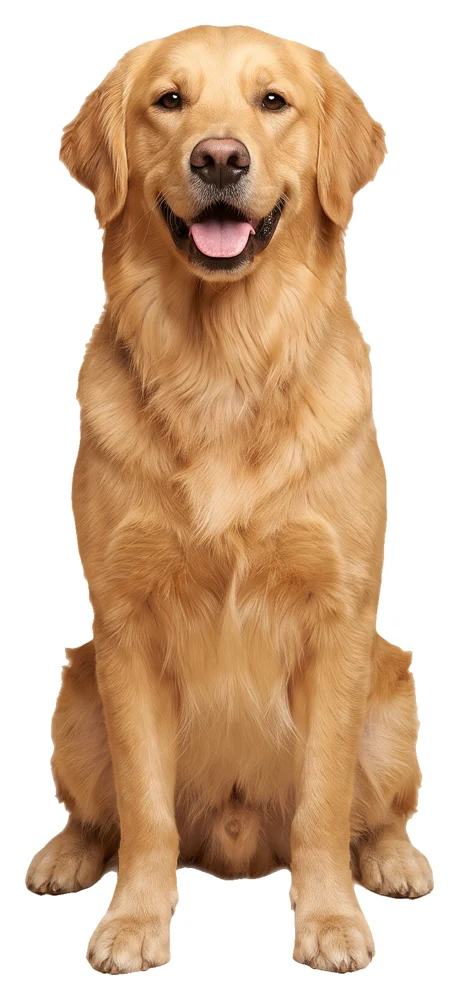
How to make a sticker from a photo
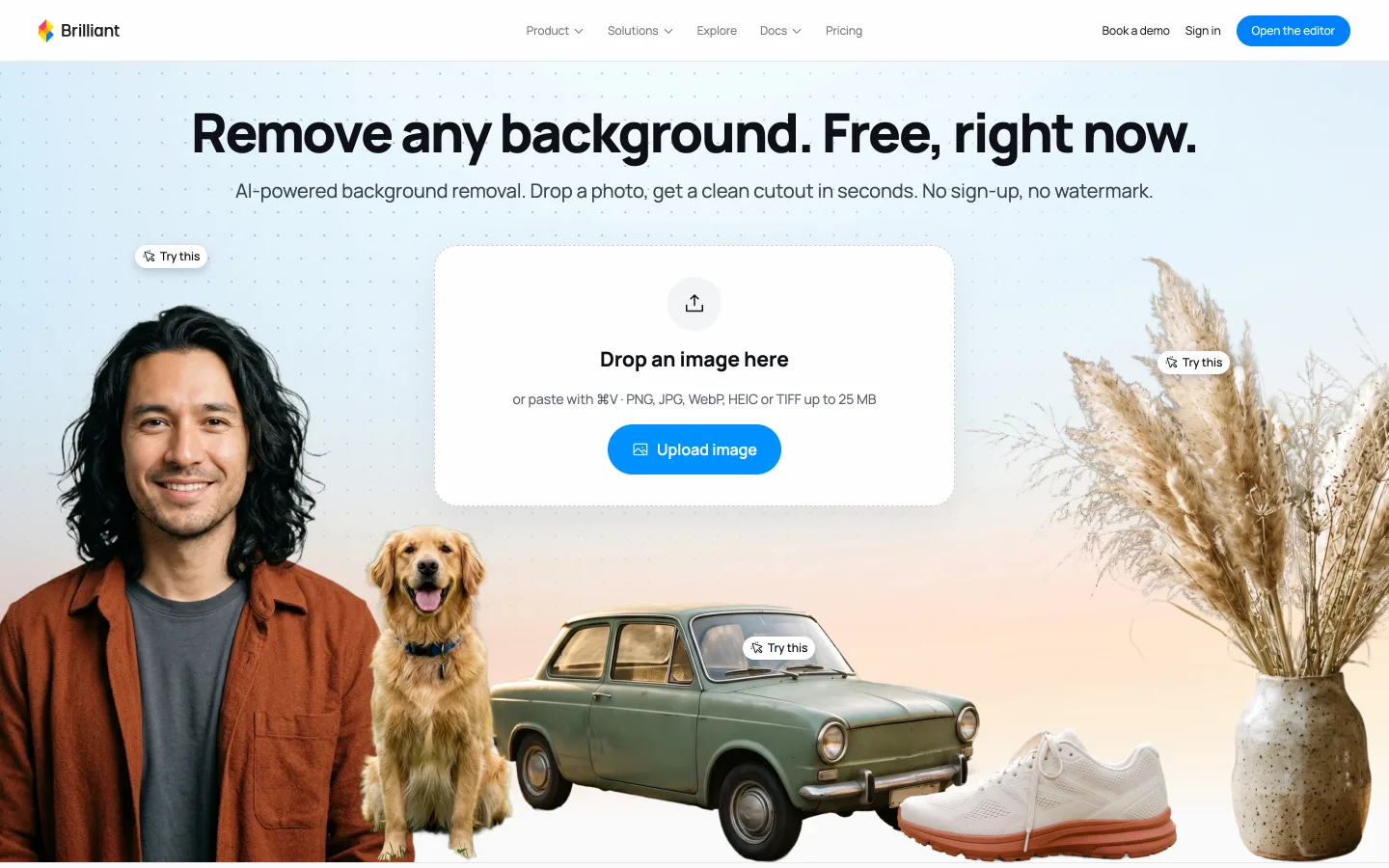
Open the free background remover
Go to brilliant.design/remove-background. Drop a photo, paste one with Cmd+V, or pick a sample. PNG, JPG, WebP, HEIC or TIFF, up to 25 MB.
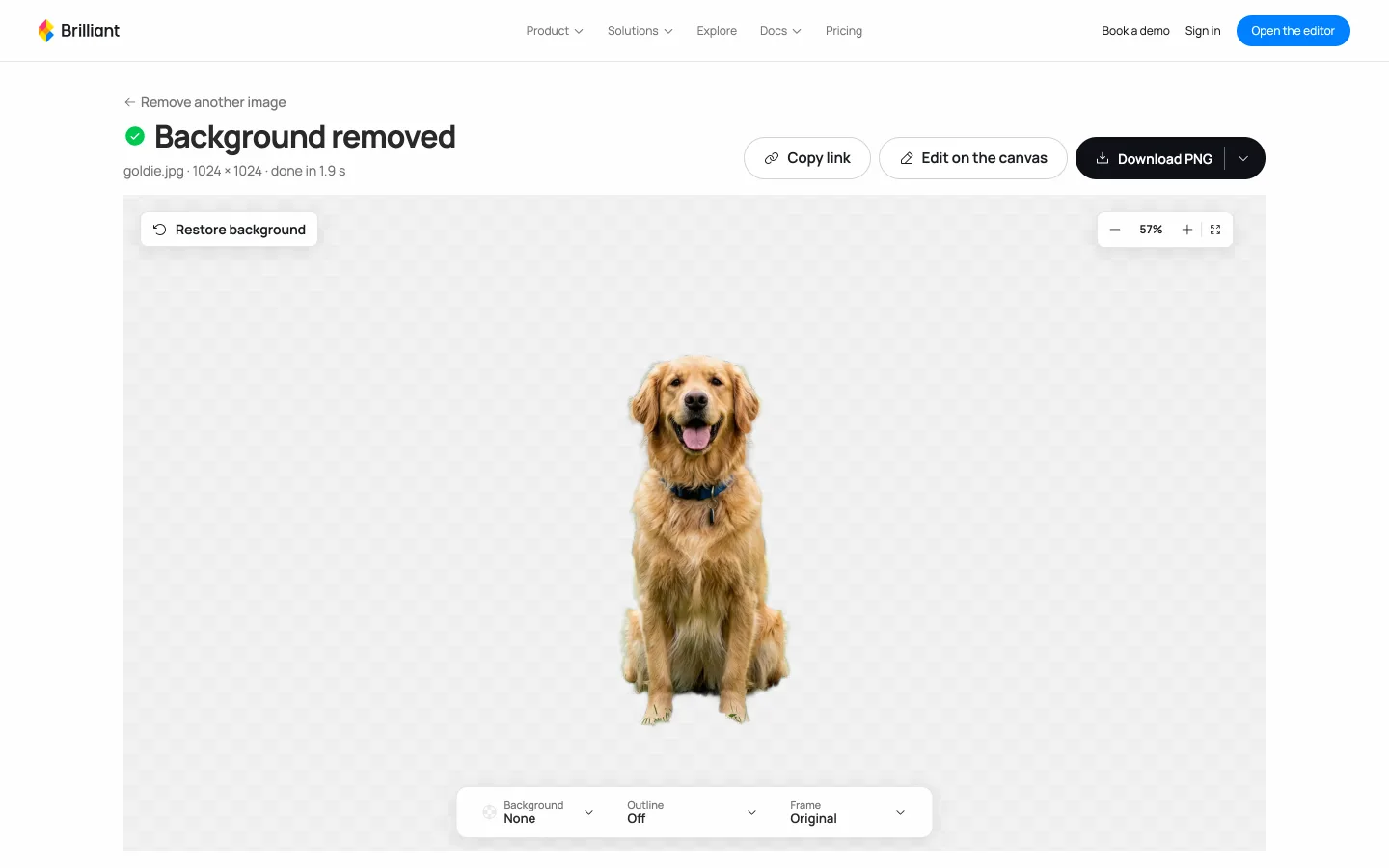
Let it remove the background
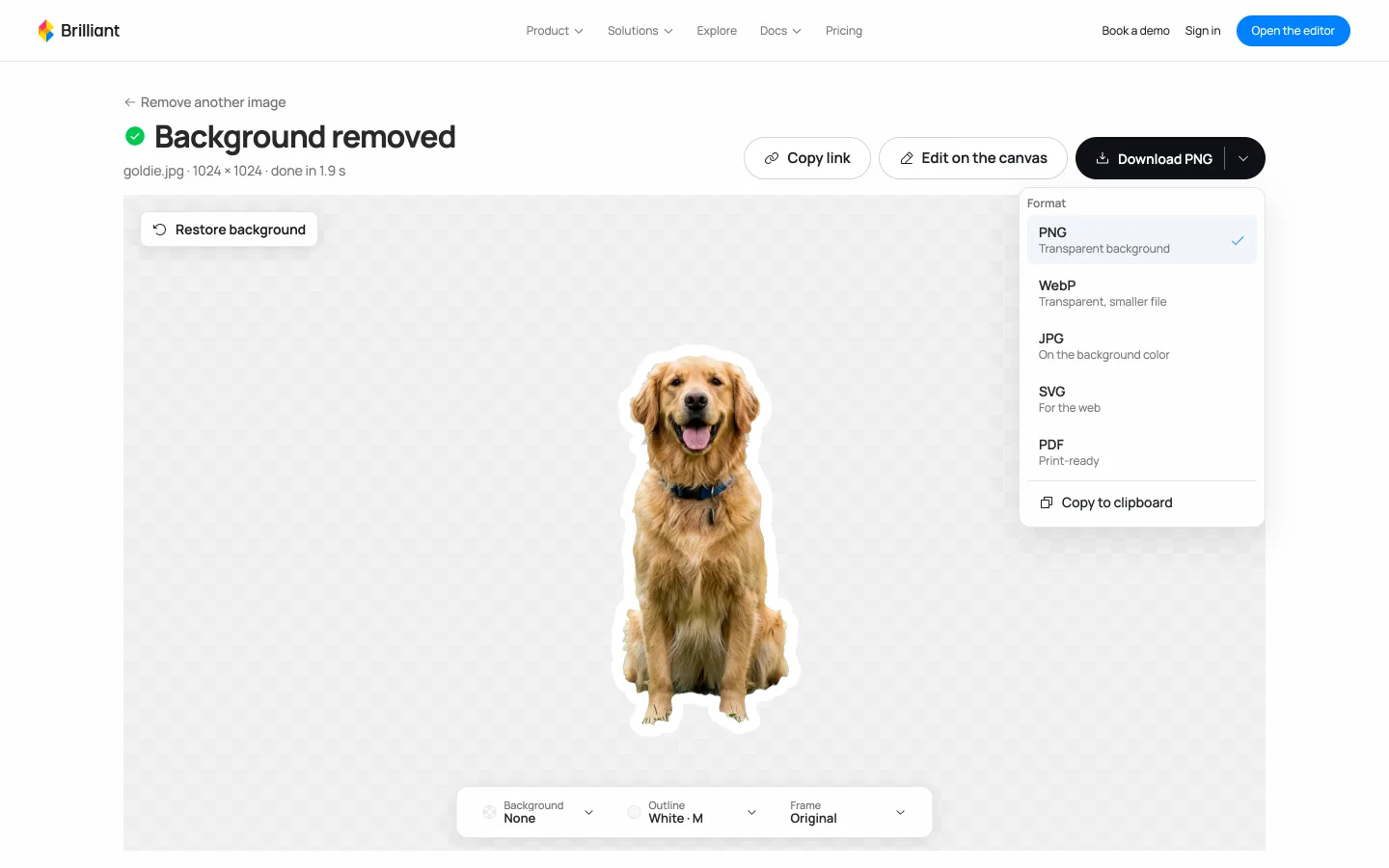
It usually takes 3 to 5 seconds; the goldie sample took 1.9 s. The checkerboard is the transparent part of the image.
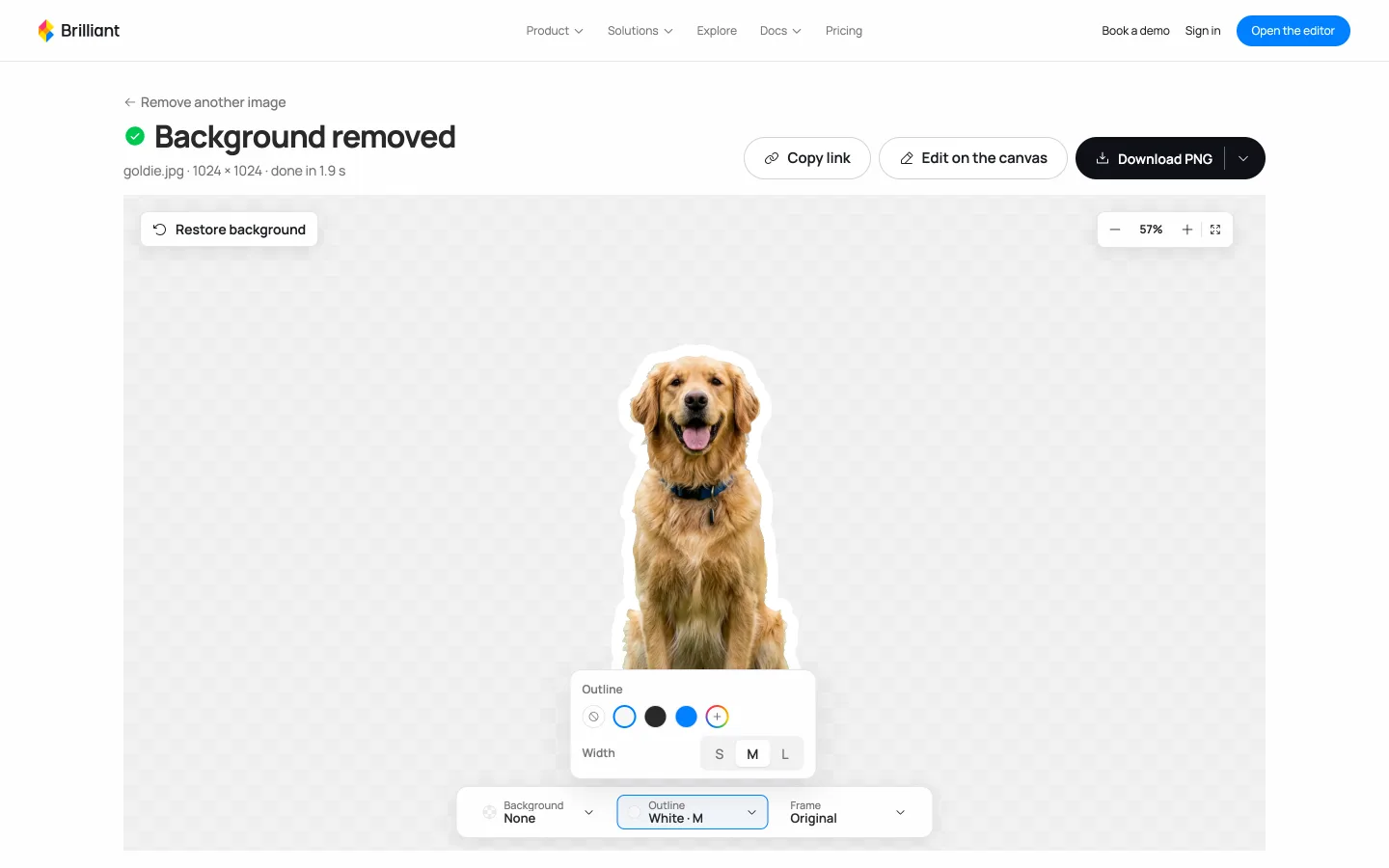
Turn on a white outline
Open Outline at the bottom and pick White. Width S, M or L sets how thick the sticker edge is.
Download the PNG
Download PNG keeps the background transparent. WebP is transparent with a smaller file, and PDF is there for print.
Make a sticker from a prompt instead
No photo? Describe the sticker in the Brilliant playground. The AI chat can generate the image, remove its background and add the outline on the canvas.
Prompt
A sticker of a corgi in a tiny space helmet, white outline, transparent background
Common problems
| Problem | Fix |
|---|---|
| The PNG shows a white or black box | The app you opened it in fills the transparent part. Open it in a browser or in Brilliant. |
| Fur or hair edges look cut off | Start from a photo with one clear subject. |
| The outline is too thin | Pick width L before you download. |
| It says you have used today's 20 free cutouts | Sign in for unlimited cutouts. It is still free. |
Questions
Is it free?
Yes. No sign-up and no watermark. Remove up to 20 backgrounds a day without an account, or sign in for unlimited cutouts, still free.
Which file should I download for a sticker?
PNG. PNG and WebP keep the background transparent; JPG downloads on a solid color.
Can I print the sticker?
Yes. The Download menu has a PDF marked print-ready, and your cutout keeps the original resolution.
Which images can I upload?
PNG, JPG, WebP, HEIC or TIFF files up to 25 MB. Photos with one clear subject work best: people, products, pets, cars.
Can I edit the sticker afterwards?
Yes. Press Edit on the canvas and the cutout opens in Brilliant, where you or the AI chat can add a backdrop, a shadow or a caption.