How to export an agent's design to React

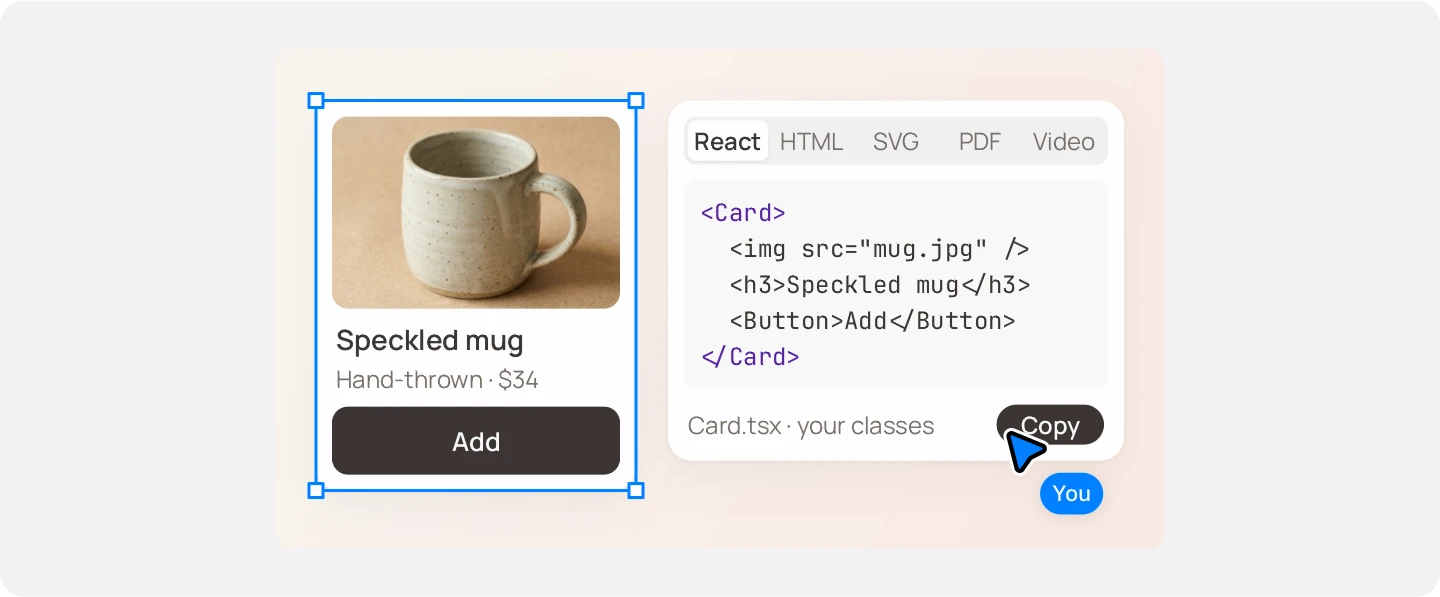
How to get React from a design on the canvas
Select the frame
Click the frame the agent made. An export covers your selection, or the whole canvas when nothing is selected.
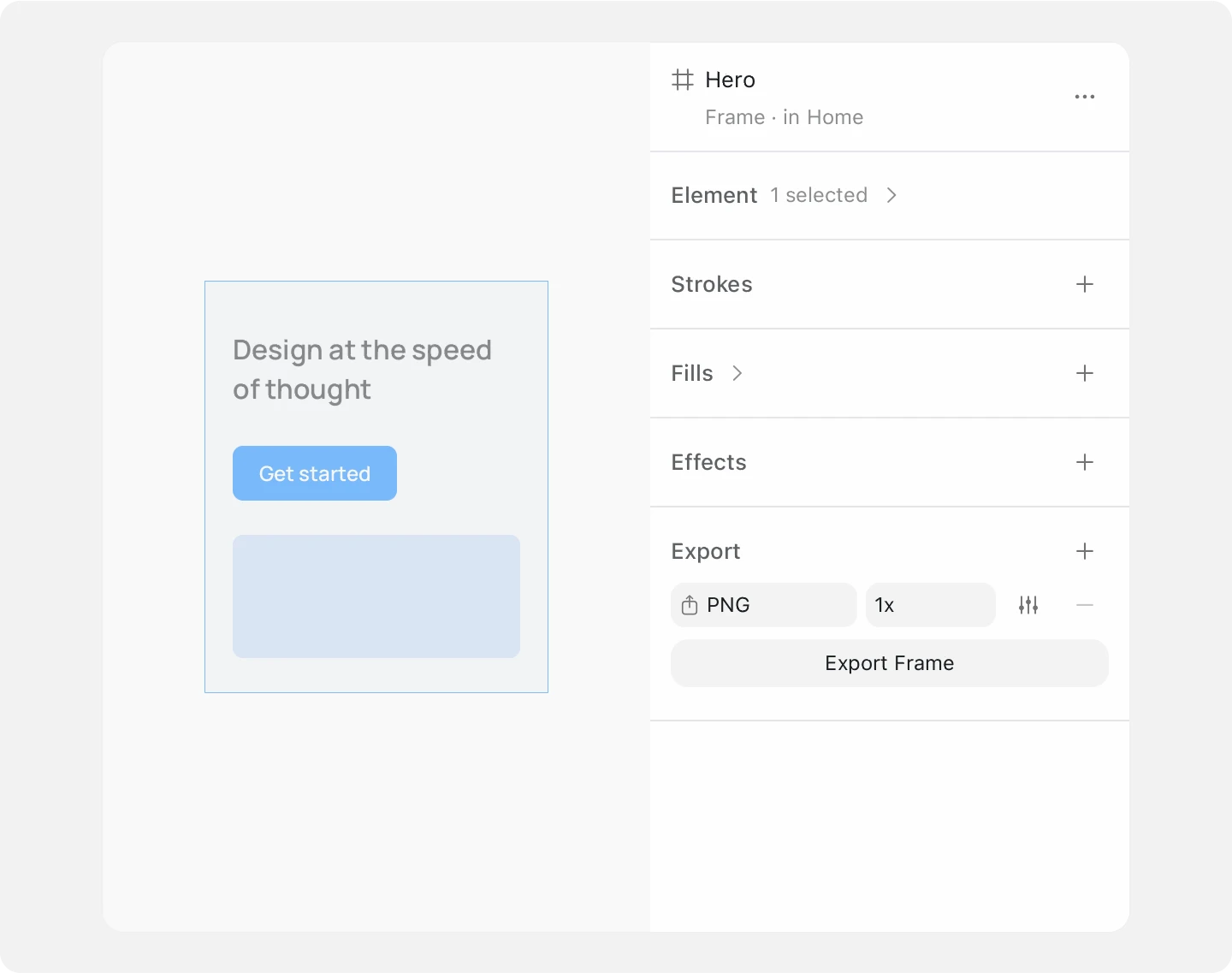
Choose React in the Export section
In the right panel, open Export, set the format to React and press Export. A save dialog opens, named after your selection.
Or copy it straight to the clipboard
Right-click the frame, open Copy as and choose React. You get a JSX snippet to paste. The same menu copies HTML, CSS and SVG.
Or ask the agent for it
The built-in agent exports selected elements to React and returns the code as text in the chat.
Prompt
Export the selected frame to React.Paste it into a component and adapt it
The export is the same markup as the HTML export, with JSX style objects. It carries the look; your app keeps its state, routing and data.
Common problems
| Problem | Fix |
|---|---|
| The code uses inline styles, not your components | That is what the export is. For code in your own components, connect your coding agent and ask it to build the frame from the canvas. |
| The export covers the whole canvas | Nothing was selected. Select the frame first. |
| You need the colors and sizes only | Use Copy as, CSS. It copies size, position, colors, border, radius, rotation and text. |
Questions
Is the exported React production ready?
It is a starting point to adapt: it carries the look, and your app keeps its state, routing and data.
Can my coding agent write the component instead?
Yes. Connect Claude Code, Cursor or another MCP client and it reads the canvas directly, then writes the component in your stack.
Which other code formats can I export?
HTML with inline CSS as a page, a snippet or a flexbox layout, plus CSS properties, SVG and Blueprint, Brilliant's own text format.
How do design tokens reach my code?
Brilliant writes Styles/.gen/default.gen.yaml on every save, expanded to concrete values, for build scripts and token tools to read.
Can I export several formats at once?
Yes. Each row in the Export section is one export. Click + to add a row, and Export runs every row at once.