How to design a landing page with Cursor

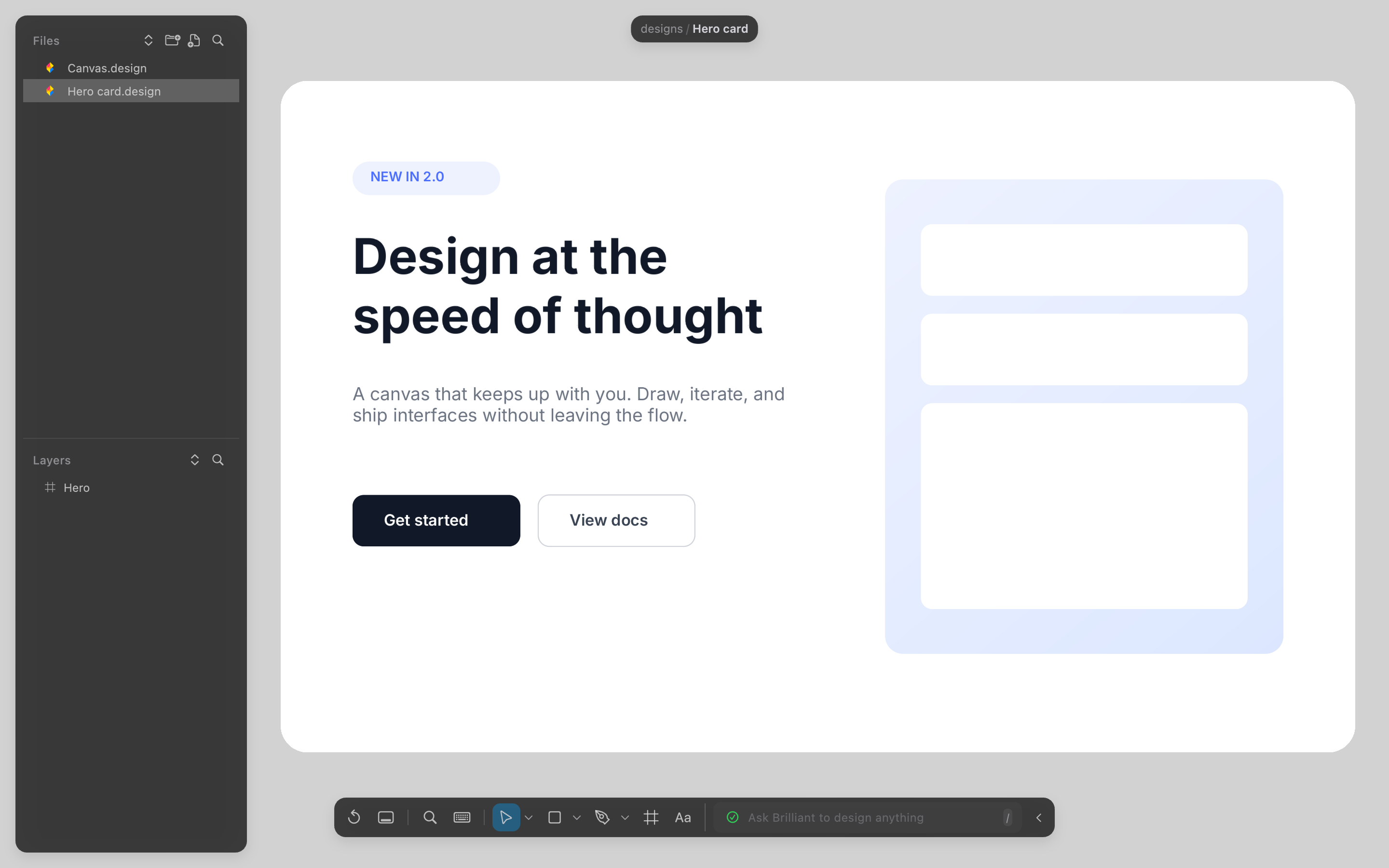
How to design a landing page from Cursor
Install the helper for Cursor
Run this once in a terminal. It needs Node 20 or later. On the desktop app you can check Cursor in Settings, MCP connections instead, which writes the entry to ~/.cursor/mcp.json.
Terminal
npx @brilliant-hq/mcp install cursor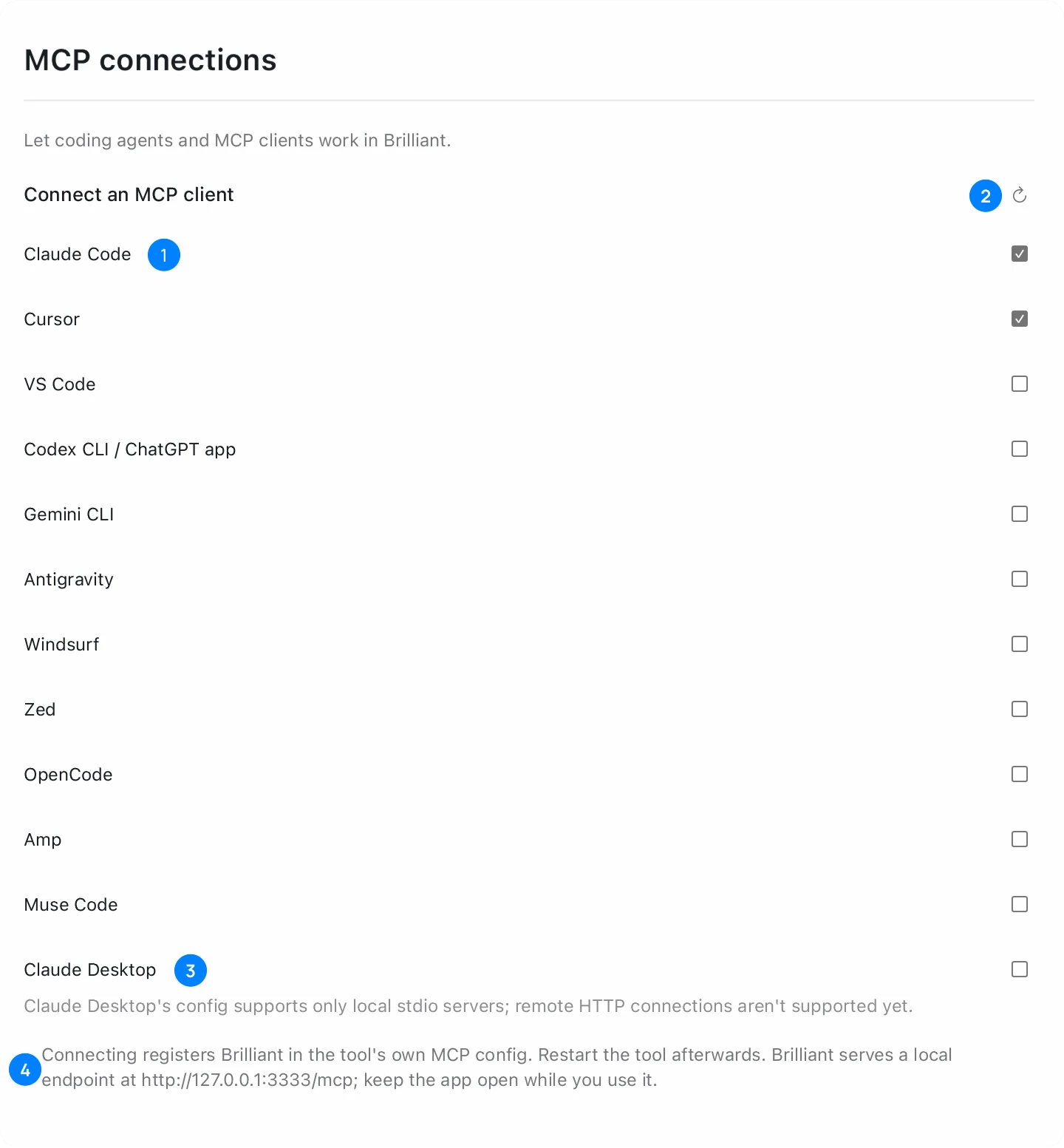
Open Brilliant, then restart Cursor
Open brilliant.design in Chrome, Edge or Firefox with WebGPU, or open the desktop app. Restart Cursor and send any message in its AI chat: Cursor starts the connection on the first chat, not at launch.
Check the connection
Open Customize in Cursor's sidebar. brilliant is listed with its toggle on. For detail, open the Output panel and choose MCP Logs.
Ask for the hero first
Start with one section and say what the product is. Cursor asks for approval before it uses MCP tools by default, so approve the Brilliant calls.
Prompt
Design a landing page hero in Brilliant for a note-taking app: a headline, one supporting line, two buttons and a product card. Desktop frame, 1440 wide.Add the rest, one section at a time
Ask for features, pricing and a footer in separate prompts. Cursor reads the canvas between prompts, so each new section can match the type and spacing of the one before it.
Turn the page into code
Ask Cursor to build the page from the canvas in your own components, or select a frame in Brilliant and export it as HTML or React from the Export section.
Common problems
| Problem | Fix |
|---|---|
| You restarted Cursor and nothing changed | Open the AI chat and send a message. Cursor connects on the first chat. |
| brilliant shows an error after Brilliant relaunches | Toggle brilliant off and on in Customize. It reconnects to the running app. |
| Calls fail or the connection is refused | Keep a brilliant.design tab or the desktop app open while Cursor works. |
| The browser blocks the local connection | Turn on Local network for brilliant.design in the browser settings, or use the desktop app. Safari blocks it for every site. |
Questions
Do I need the Brilliant desktop app?
No. The helper works with a brilliant.design tab in Chrome, Edge or Firefox. With the desktop app, check Cursor in Settings, MCP connections and restart Cursor.
Does it cost anything?
Your own agents over MCP get unlimited canvas work on every plan, Free included. Generated images and background removal draw on your Brilliant AI usage.
Is the exported code production ready?
It is a starting point to adapt: it carries the look, and your app keeps its state, routing and data. For code in your own components, ask Cursor to build from the canvas.
Can I edit the page by hand?
Yes. The page is made of native elements on a Brilliant canvas, so you can select, move and restyle any part.
Which file does Brilliant write for Cursor?
The desktop app writes a brilliant entry under mcpServers in ~/.cursor/mcp.json, or %USERPROFILE%\.cursor\mcp.json on Windows. Your other servers stay as they are.