Your whole team,
live on one canvas.
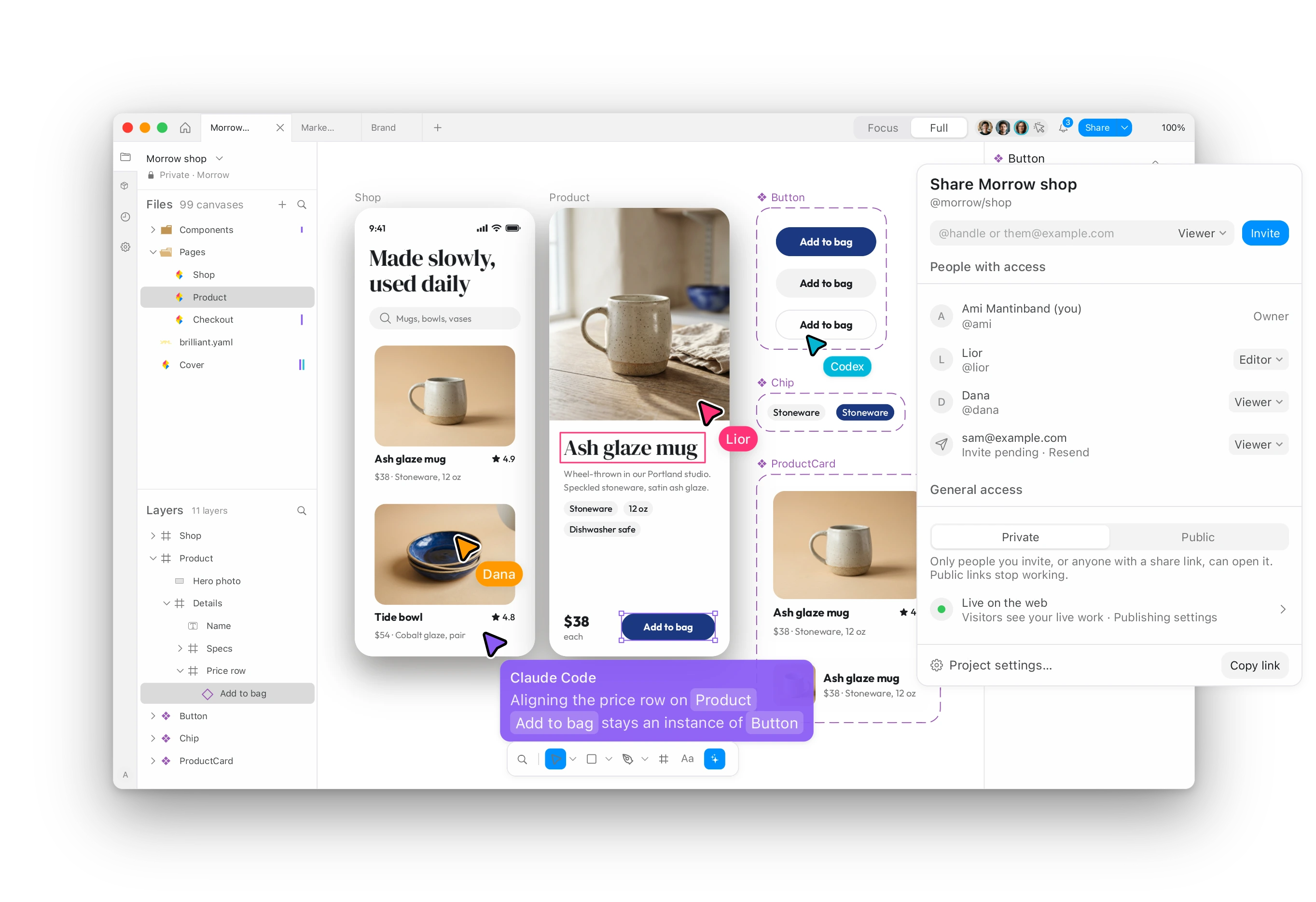
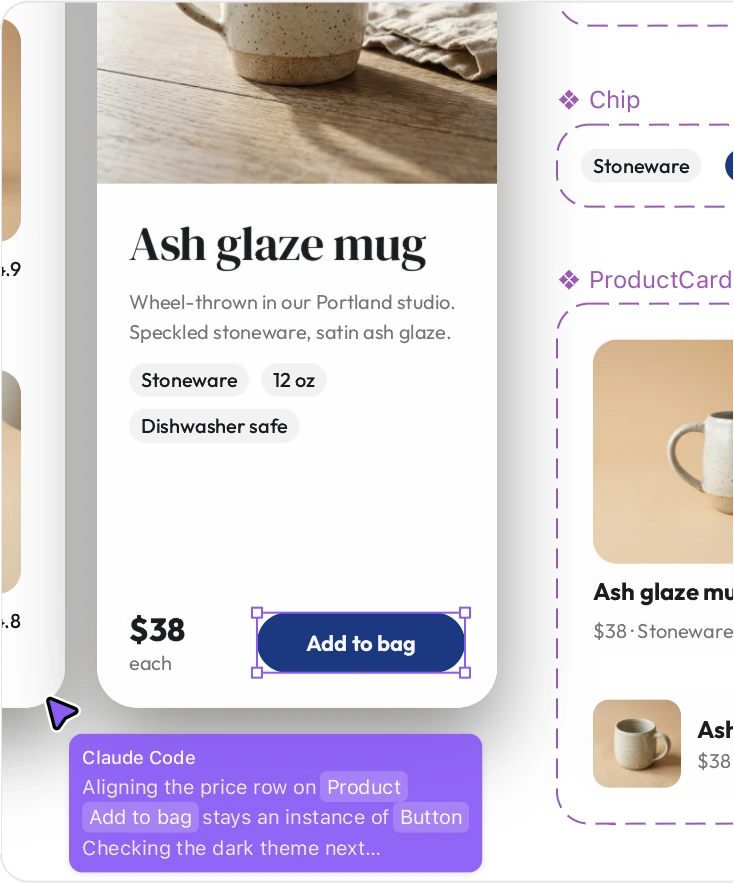
Designers, developers and their agents edit the same file in real time, with roles, private team projects, a shared design system and one invoice for everyone.
Under five minutes, start to finish.
1 · Create your team
Name it and claim a handle. Public projects and members are unlimited, free.
2 · Invite by email
Add teammates by email. They accept, and they're in.
3 · Start a shared project
Make a project the team owns. Keep it public for free, or go private with paid seats.
How does a team share one design system?
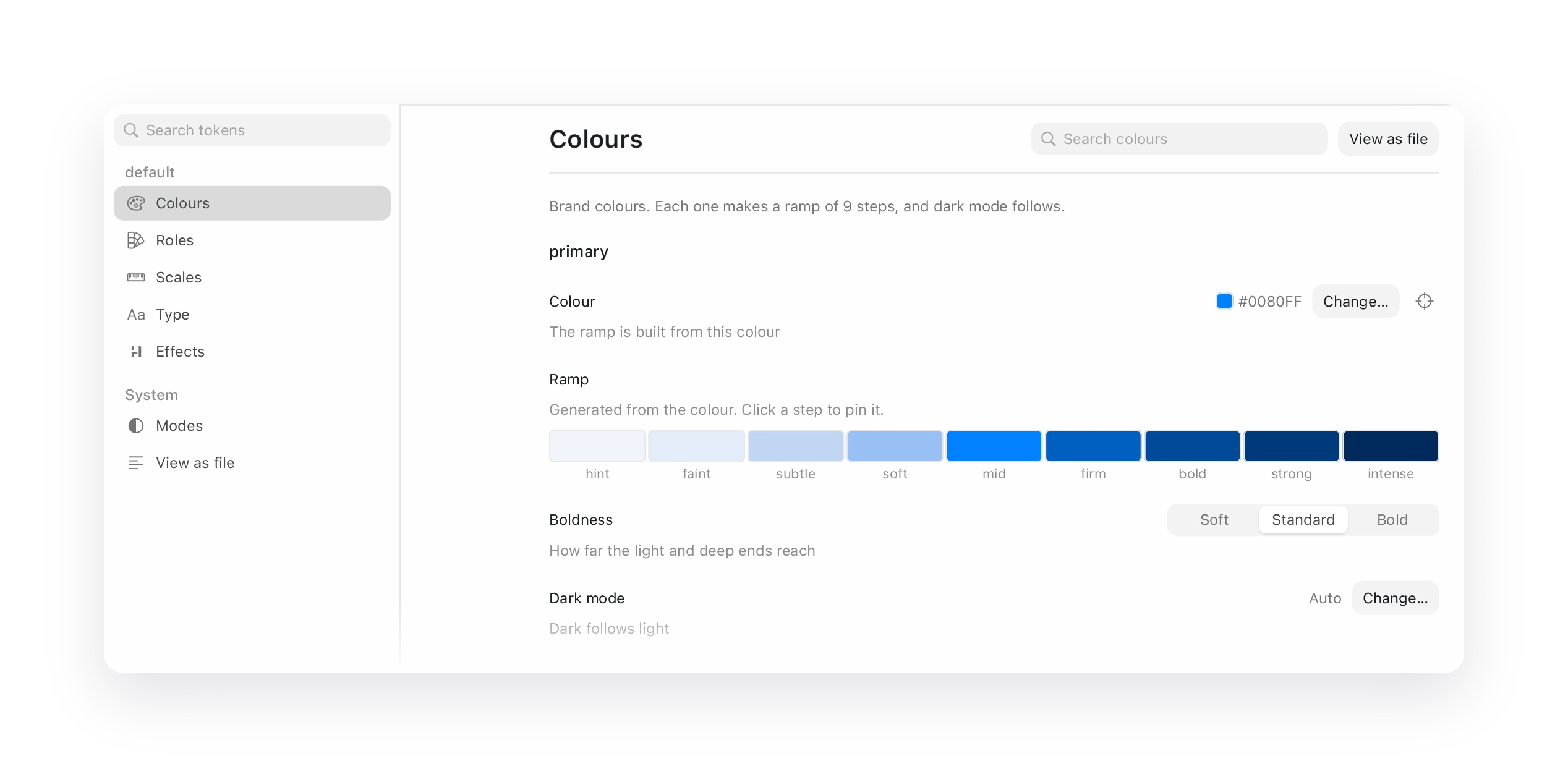
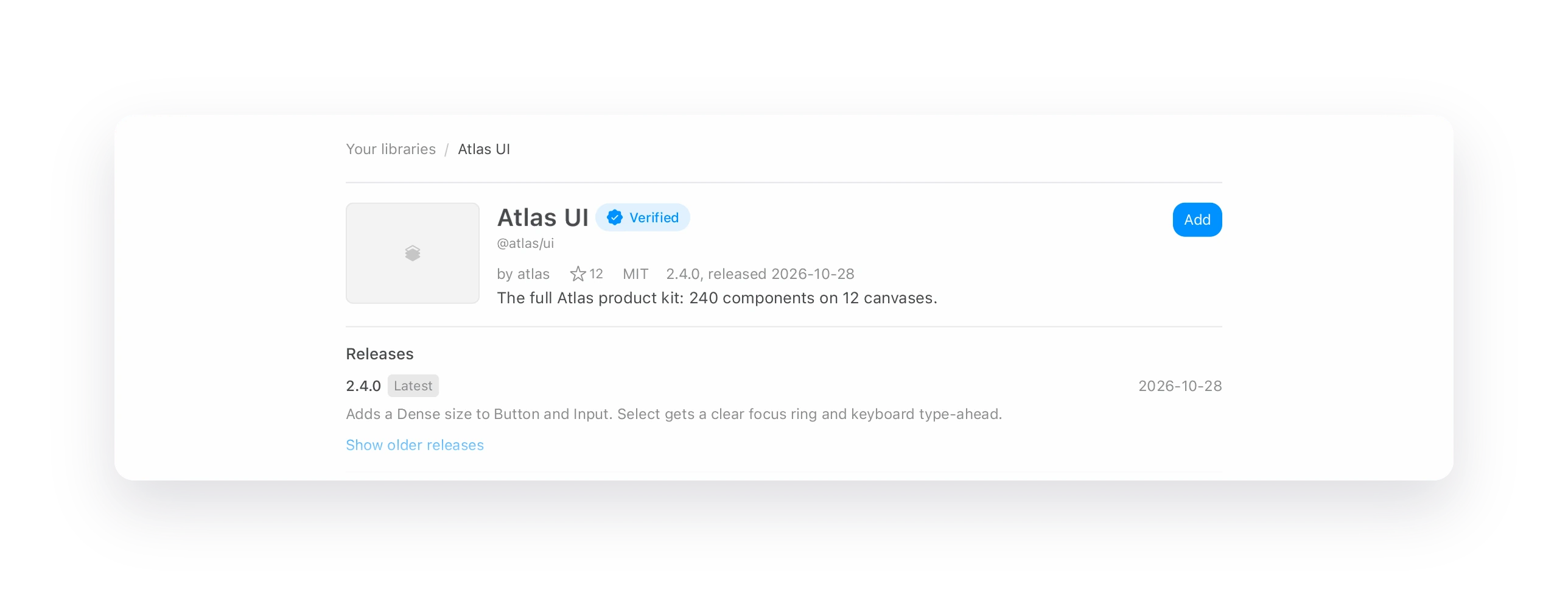
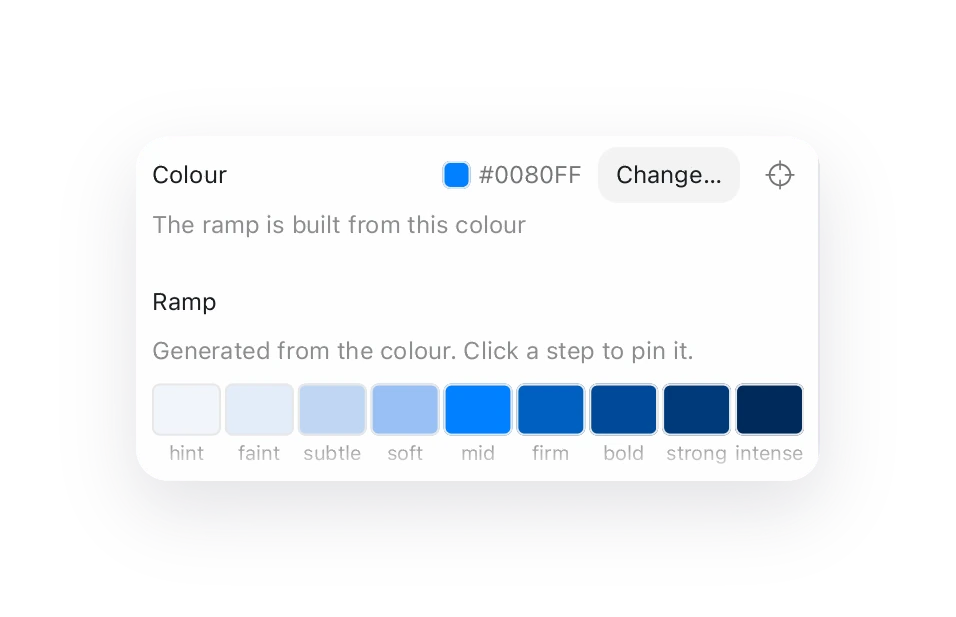
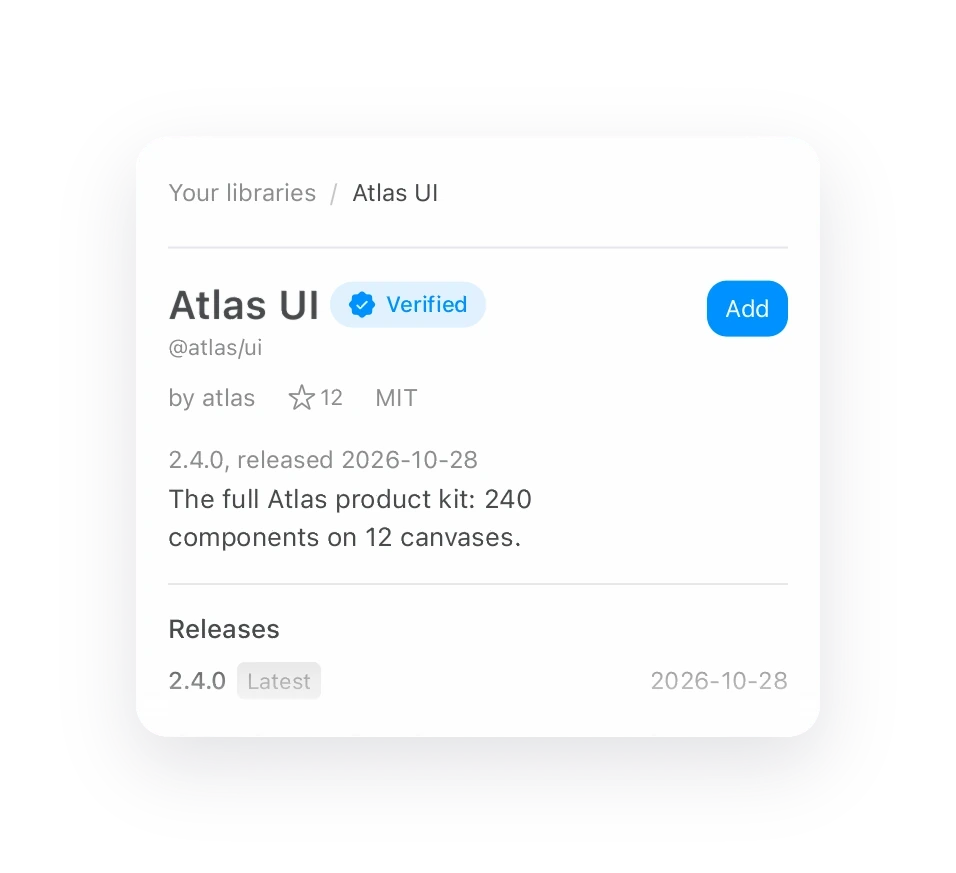
Set colours, type and tokens once in the design system editor. Publish your components as a library with versioned releases, and every project on the team pulls the same kit.
Who can see and edit a team project?
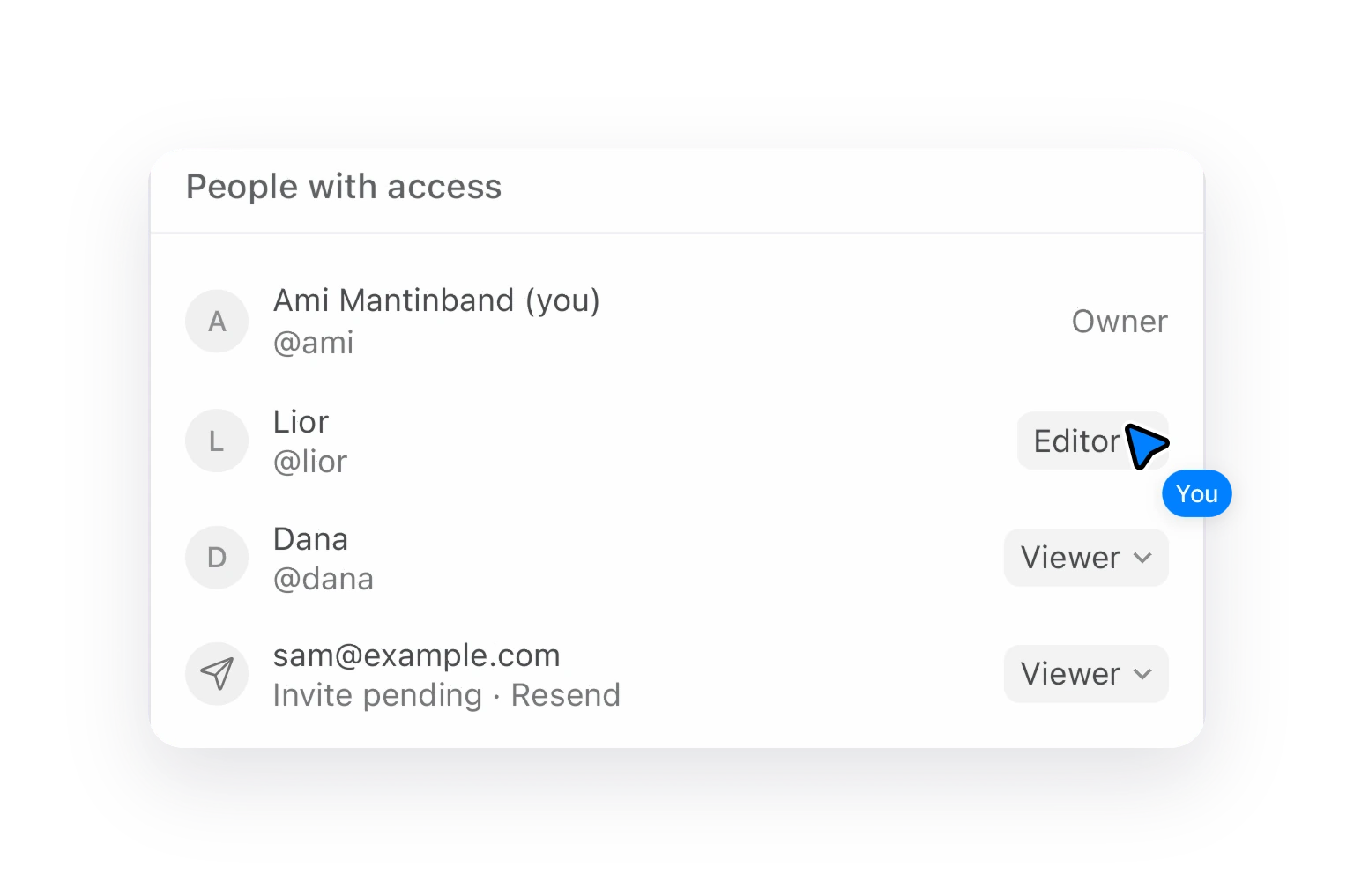
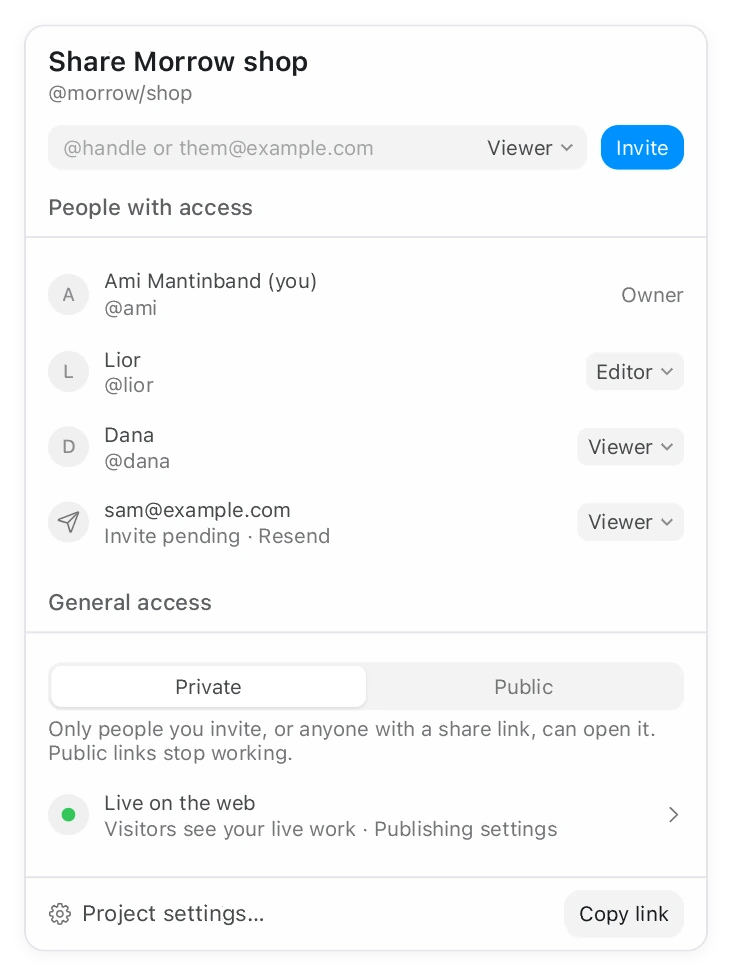
You decide, per project. Invite by handle or email, then make each person an Editor or a Viewer. Flip a project between Private and Public in one click. Team projects belong to the team, so they stay when people leave.
- Owner, Editor and Viewer roles on every project
- Private team projects with paid seats
- 1 TB pooled storage, one invoice for everyone
One canvas for the whole studio.
Your team designs on the same live canvas, each person with their own agents beside them. Projects belong to the team, so they stay when people leave.


- Real-time multiplayer on one canvas
- Roles and invites, one invoice for everyone
- 1 TB pooled storage
Start a team for free.
Go private when ready.
Every team gets unlimited public projects and unlimited members, free. Paid seats add private, team-owned projects and Brilliant AI on every seat.
Free team
For studios that work in public.
- Unlimited public projects
- Unlimited members
- 4 GB pooled storage
- Every design feature
Team
Two seats minimum- Private, team-owned projects
- Roles and invites, one invoice for everyone
- 1 TB pooled storage
Each seat has its own Brilliant AI allowance. Your own agents over MCP get unlimited canvas work on every plan, and your own AI is never metered.
Teams questions, answered.
Yes. Every team gets unlimited public projects, unlimited members and 4 GB of pooled storage, free.
From $25 per seat per month, with a two-seat minimum. Raise any seat to 5x, 10x or 20x the Brilliant AI for $55, $105 or $205.
Yes. Multiplayer is real time on one canvas: everyone's cursor, every selection, and their agents working beside them.
The team. Team-owned projects stay when people leave, and each person you invite is an Editor or a Viewer on every project.
One invoice for everyone. Added seats apply at once and are prorated; removed seats leave at renewal.
Yes. Connect your own provider account and you pay it directly. Keys stay on your machine, and we never meter it.
Bring your team onto the canvas.
Create your team now, or book a demo and we'll set it up with you.